
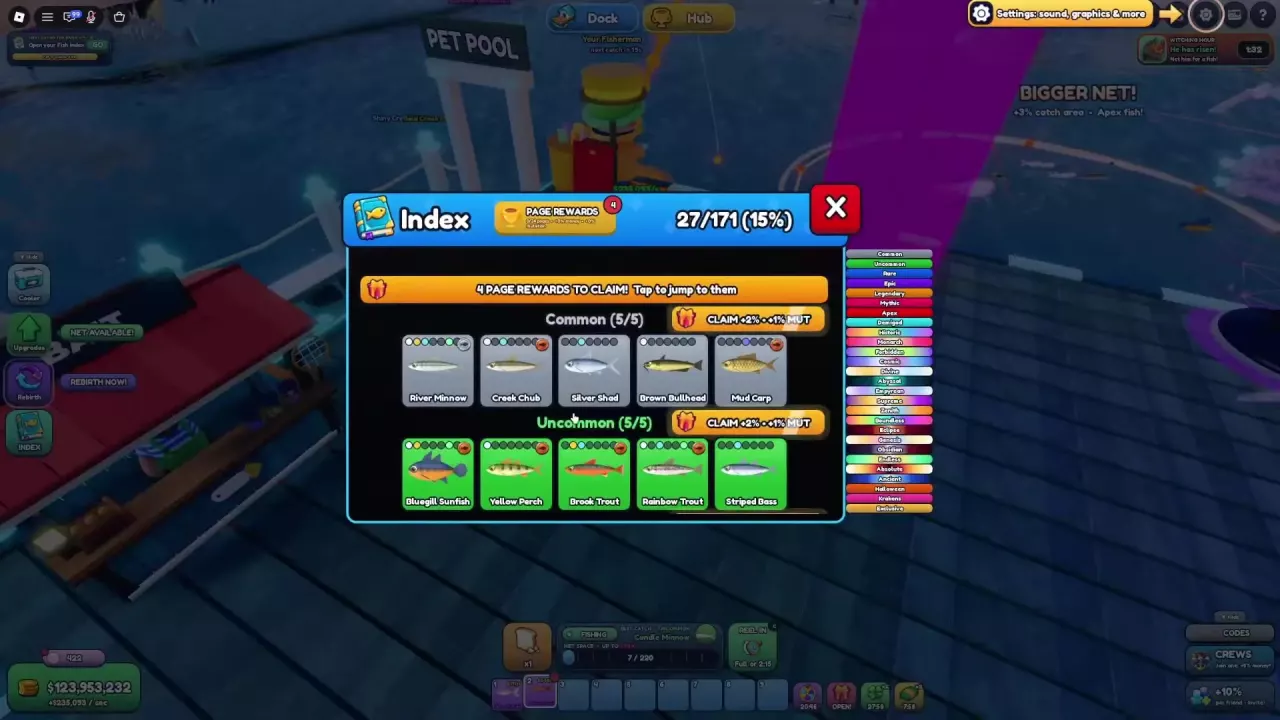
Net A Fish Fish List, Rarity Order and Index Rewards
Search the Net A Fish fish list by name and rarity. Find net requirements, fill collection gaps, claim permanent Index rewards and build species mastery.
Last updated:
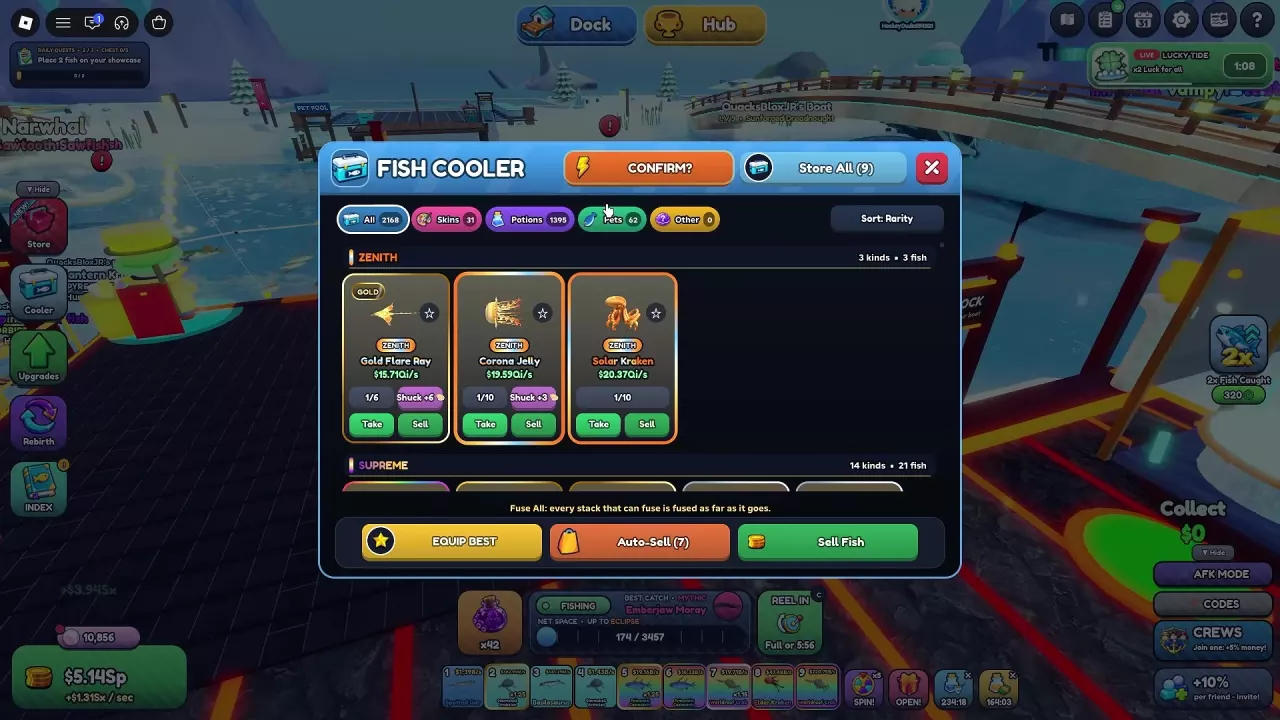
The Fish Cooler holds your catches and gives you the controls to update your showcases, sell surplus fish, and decide which future catches to keep.
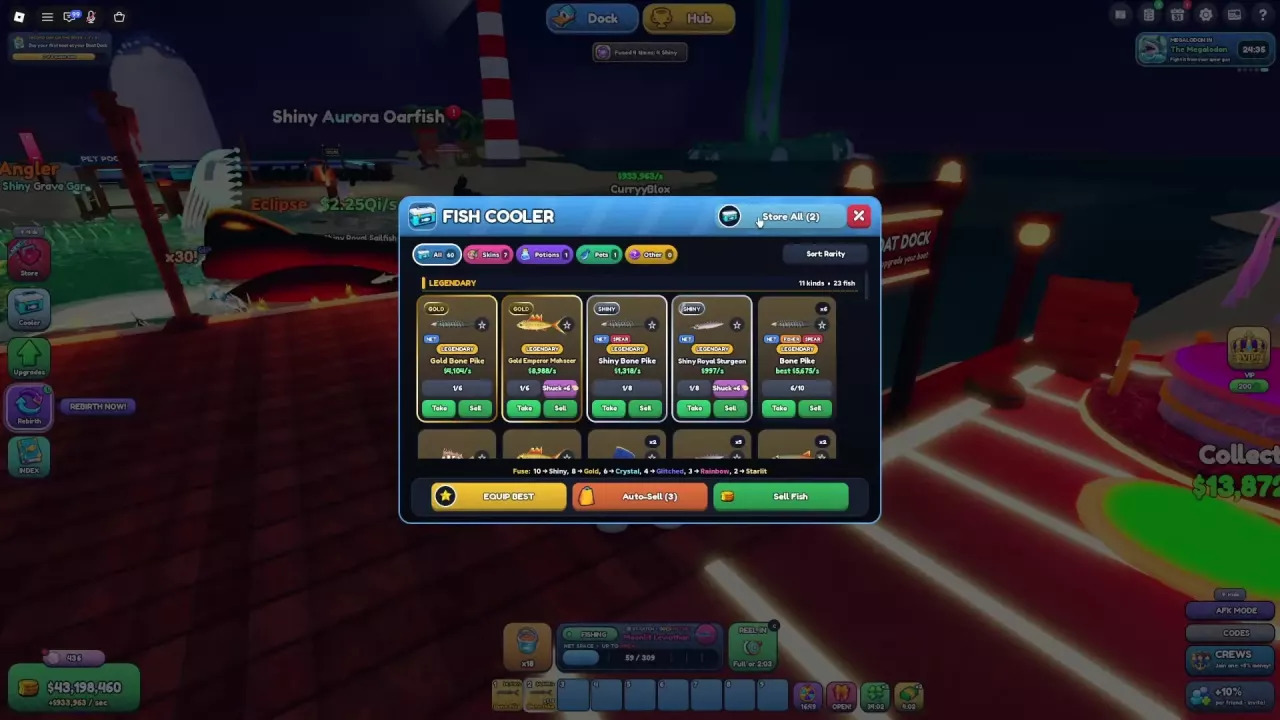
Click Cooler on the left side of the screen, or approach Your Fish Cooler at your dock and press E when Open Cooler appears.
| Tab | What you can manage |
|---|---|
| All | Fish cards and your stored catches |
| Skins | Appearance options for equipment, your base, and themes |
| Potions | Stored potions, with Drink, +Bar, and Use All controls |
| Pets | Pet equipment, upgrades, PET INDEX, and Pet Crates |
| Other | Tools from Pearl Diver and gifts from the Crew Shop |
For the controls within those inventories, see skins, potions, or pets.
Click Sort to cycle through Rarity, $/s, Odds, Count, and Name. Use $/s when comparing income, Count when looking for duplicate stacks, or Name when finding a particular fish.
Fish cards can display rarity, mutation, quantity, income or placement gain, and fusion progress. NET, FISHER, and SPEAR labels identify catch sources. Rarity groups show kinds and total fish separately, so several copies can belong to one listed kind.
A card labeled best $…/s gives the income of the best individual in that stack—not the income of every copy or a fixed value for the species. For species and rarity lookups, use the Fish Index.
Some cards also have a Shuck +number button alongside their other actions. Look for it on the fish card; its displayed number varies between cards and inventory setups.

To carry a stored fish, find its card and click Take, then select its hotbar slot to hold it. To return carried fish, reopen the Cooler and click Store All. The button count and storage notification tell you how many fish are being returned together.
Equip Best applies the best available showcase configuration and can return replaced fish to the Cooler. Storing carried fish first gives those fish a chance to improve the selection.
For example, one setup rose from $215,039/s to $224,451/s after Equip Best. Returning four carried fish with Store All and applying Equip Best again raised that same setup to $235,093/s. The additional improvement came after returning fish to inventory; repeatedly clicking the button is not an income boost.
“Your showcase already has your best fish” means there is no better available configuration to apply. This can also appear after Store All if the returned fish do not improve your lineup.
For manual placement and collecting the resulting income, see the showcase money guide.
Update your showcases with Equip Best before clearing surplus fish, and leave any duplicates you intend to fuse out of the sale.
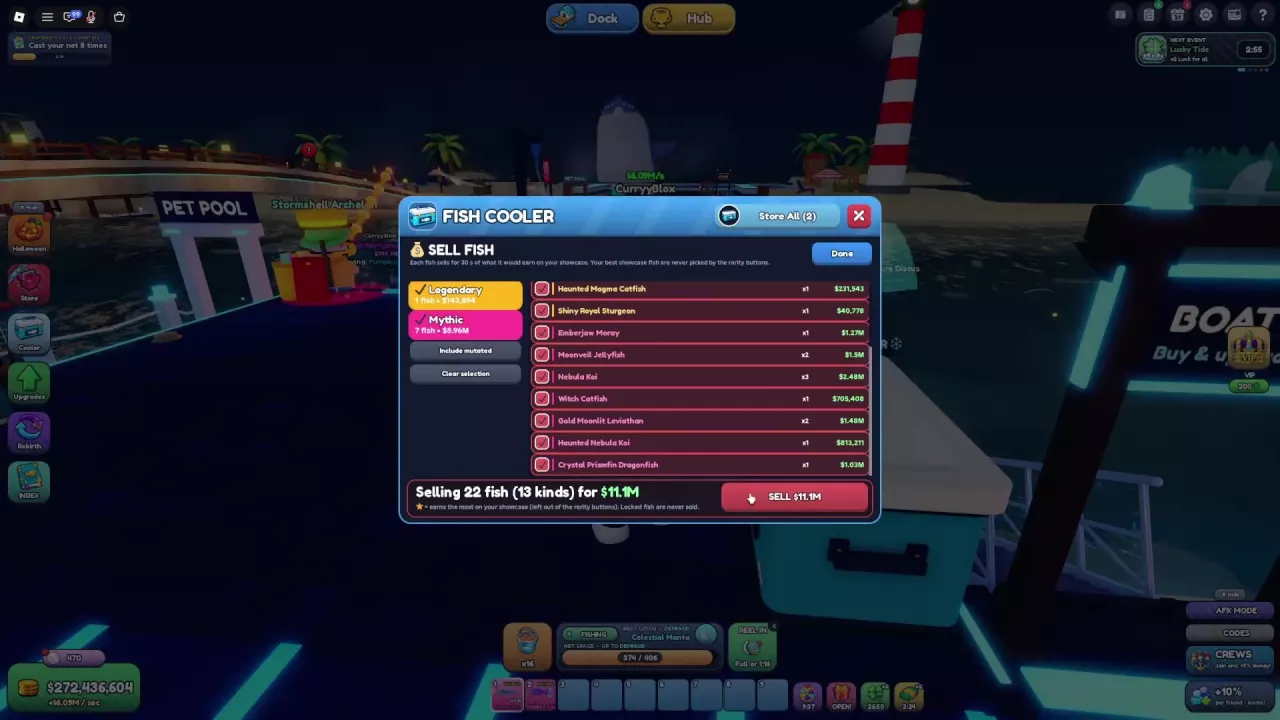
Find its card, click Sell, review the displayed price, then click Confirm. The confirmed sale removes the fish and pays the listed cash amount.
Rarity shortcuts exclude your best showcase fish. A star marks the highest showcase earners, while locked fish cannot be sold. The best-fish exclusion belongs to the rarity shortcuts, so review any entries you add manually.
The Sell Fish menu uses 30 seconds of that fish’s showcase income as its pricing basis:
Sale value = that fish’s showcase income per second × 30 seconds.
Use the actual confirmation amount for the transaction. A rounded income label can lose precision, and a stack’s best value does not apply to every fish in the stack.
The Fishmonger Market upgrade unlocks at Stargazer, Rebirth 11, and adds 10% fish sale value per level, up to 10 levels. See Market upgrades for its upgrade details and spending choices.
Auto-Sell converts eligible fish into cash when you catch them. Its rarity setting is an inclusive ceiling: the range starts at Common and ends at the selected rarity.
| Setting | Automatic sale range |
|---|---|
| NOTHING | None; all catches go to the Cooler |
| Rare | Common through Rare |
| Epic | Common through Epic |
| Legendary | Common through Legendary |
| Apex | Common through Apex |
The sale ranges follow these retention rules:
Automatically sold fish still count as catches. The ADVANCED button is below the main settings.
For example, if you need ordinary Rare duplicates, a Rare ceiling includes those fish in automatic selling unless an always-retained exception applies. Lower the ceiling below Rare to keep them consistently. Use the fusion recipes and Fuse All guide to plan which stacks to save.

Check your hotbar and showcases first: Take moves fish into the hotbar, and Equip Best can move fish into the showcase lineup. If new catches are not appearing, check your Auto-Sell range. Eligible catches are sold automatically; choose NOTHING if you want all future catches sent to the Cooler.
Search the Net A Fish fish list by name and rarity. Find net requirements, fill collection gaps, claim permanent Index rewards and build species mastery.
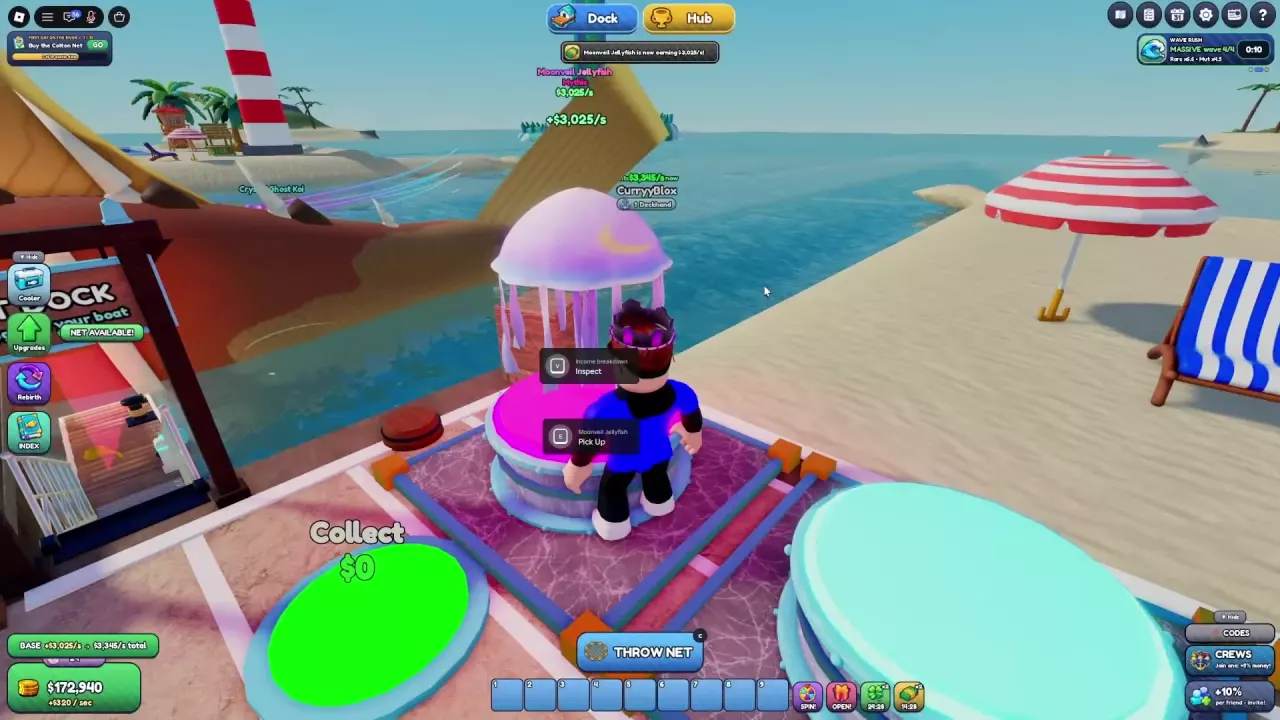
Make more money in Net A Fish: fill showcases, compare fish income, collect cash, and choose upgrades that improve active play and offline earnings.
Learn Net A Fish fusion recipes from Shiny to Starlit, calculate missing materials, use Fuse All, and compare Auto Fuse with Instant Fuse.

Compare Net A Fish helpers and build an online AFK setup with Auto Throw, pets, boats, and Auto-Sell settings that preserve your fusion materials.
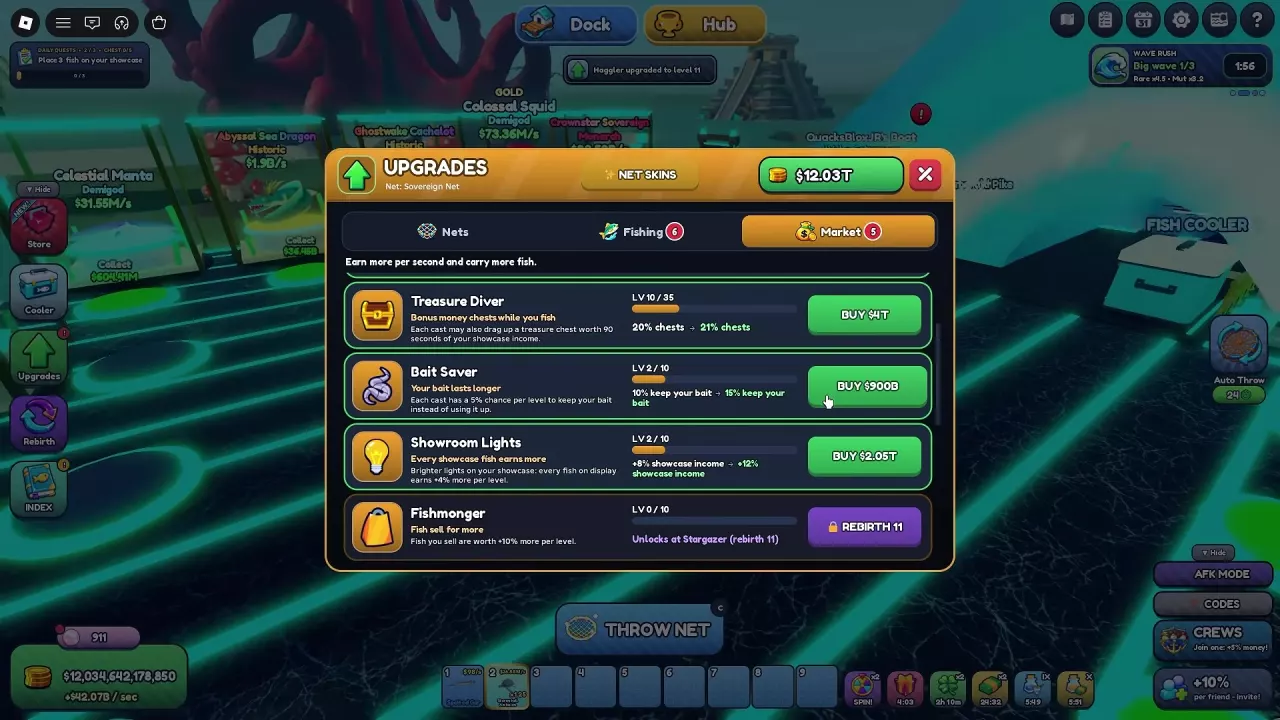
Compare all six Net A Fish Market upgrades, their costs and Rebirth locks. Choose upgrades for discounts, offline cash, treasure chests, bait and fish sales.
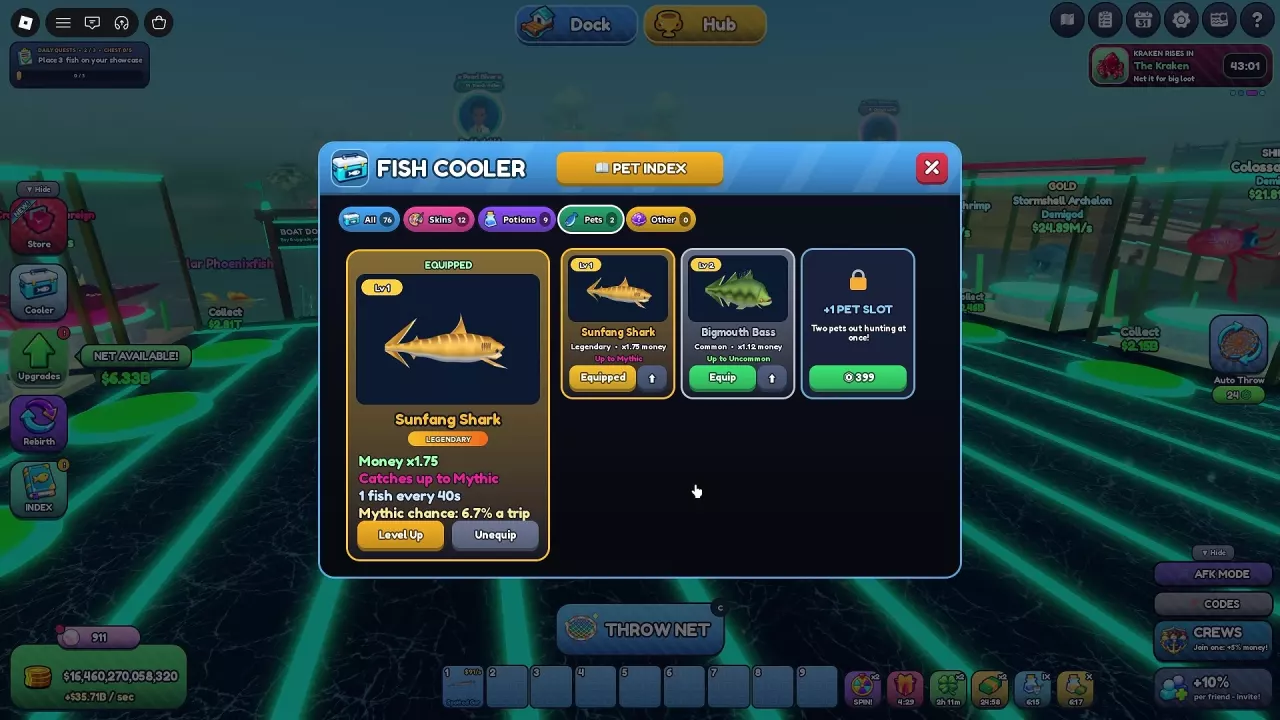
Compare Net A Fish pet stats and crate sources, equip hunters, upgrade pets with duplicates or Pet Treat, and choose two pets for Money and catches.
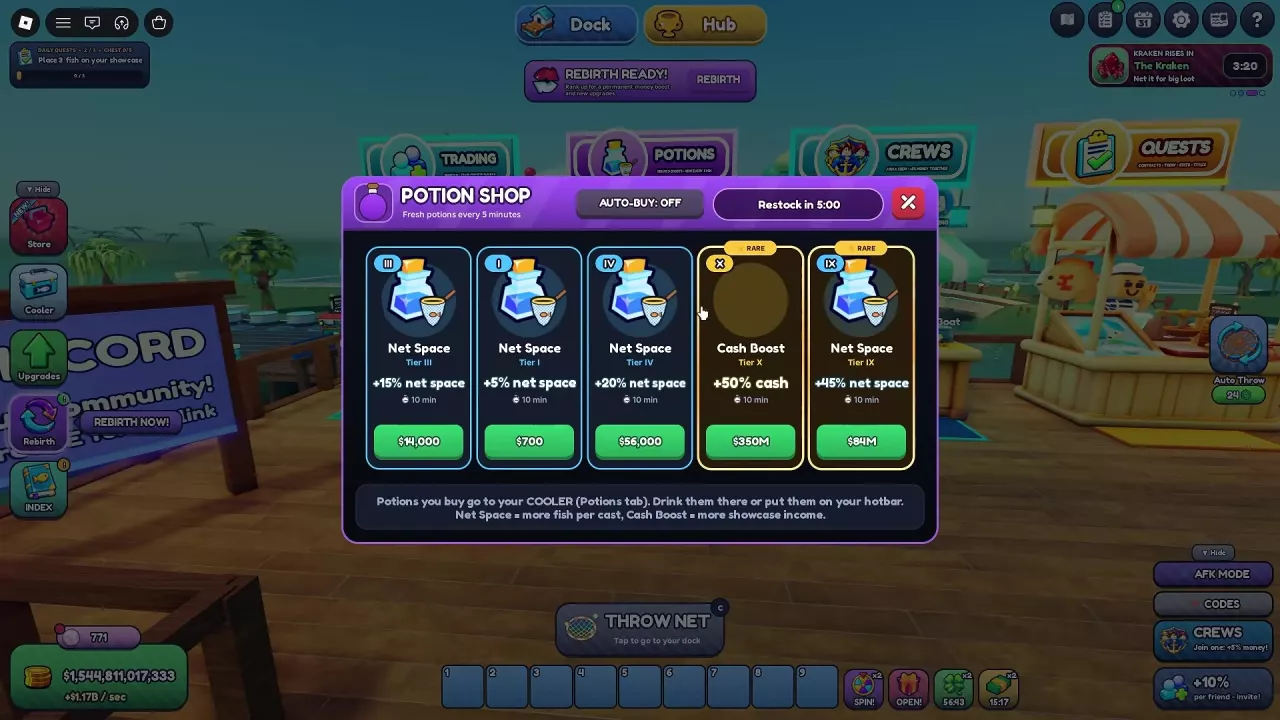
Compare Net A Fish potion tiers, find the Potion Shop, use potions from your Cooler, and learn how a Cash Boost timer can be extended.

Learn how to equip Net A Fish skins, compare Marble, Blazing and Cloudy bundle bonuses, and find the 5,000-Pearl Moonpearl Net offer.