
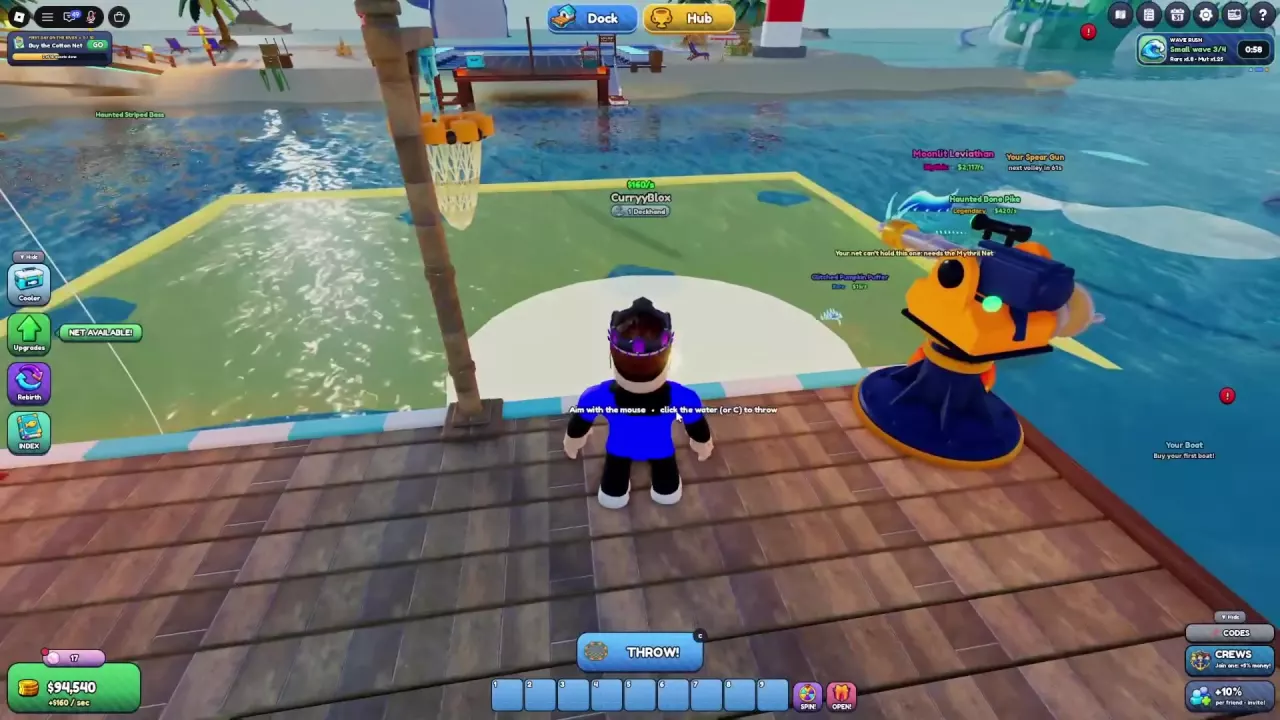
Net A Fish Fishing Guide: Controls and Catch Limits
Learn Net A Fish controls, how to cast and reel in, what NET SPACE and UP TO mean, why fish escape, and which upgrades improve your catches.
Last updated:
Potions give you temporary net capacity or showcase income boosts in Net A Fish. Choose the effect that fits your goal, then buy and activate it from your Cooler.
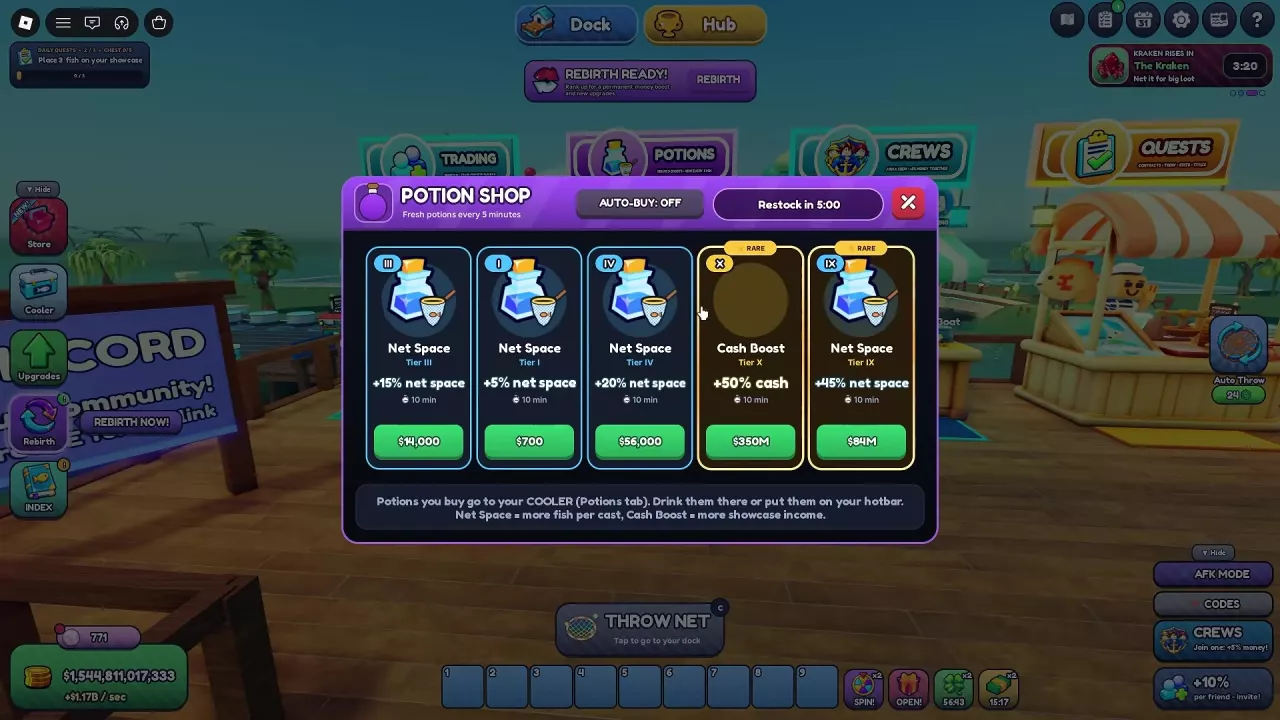
Choose Net Space when your net fills before you want to reel in. Choose Cash Boost when you want more income from fish placed on showcases. Both effects can be active at once.
Each tier listed below lasts 10 minutes per potion. Prices are cash shop offers; prices marked Haggler 10 include that Market upgrade’s 30% discount.
| Tier | Net space bonus | Cash shop offer |
|---|---|---|
| I | +5% | 700 with Haggler 10 |
| II | +10% | — |
| III | +15% | 14,000 with Haggler 10 |
| IV | +20% | 56,000 with Haggler 10 |
| V | +25% | — |
| VI | +30% | 1,500,000 |
| VIII | +40% | — |
| IX | +45% | 84,000,000 with Haggler 10 |
| X | +50% | 500,000,000 |
| Tier | Showcase cash bonus | Cash shop offer |
|---|---|---|
| I | +5% | 1,000 |
| IV | +20% | 80,000 |
| V | +25% | 350,000 |
| VI | +30% | — |
| VII | +35% | — |
| VIII | +40% | — |
| X | +50% | 350,000,000 with Haggler 10 |
Compare the price shown in your current shop with the bonus you need. For more ways to improve showcase income, see the money guide.
Go to the Potions stall in the Hub and press E to open the Potion Shop. Buy an available offer with cash; it goes to Cooler → Potions. Sold-out offers cannot be purchased, and the shop refreshes every 5 minutes.
The shop’s Auto-Buy switch is at the top of the menu. In one purchase, turning it on bought all five current offers, leaving them sold out. Consider the cost of the current selection before enabling it.
For cheaper cash purchases, find Haggler under Upgrades → Market. Level 10 discounts bait and potions by 30%; see Market upgrades for other spending choices.
VIP includes one free potion each day. The Potion Bundle under Shop → Boosts contains five Cash Boost and five Net Space potions; its Plus offer costs 64 Robux. Compare VIP with other game passes before buying.
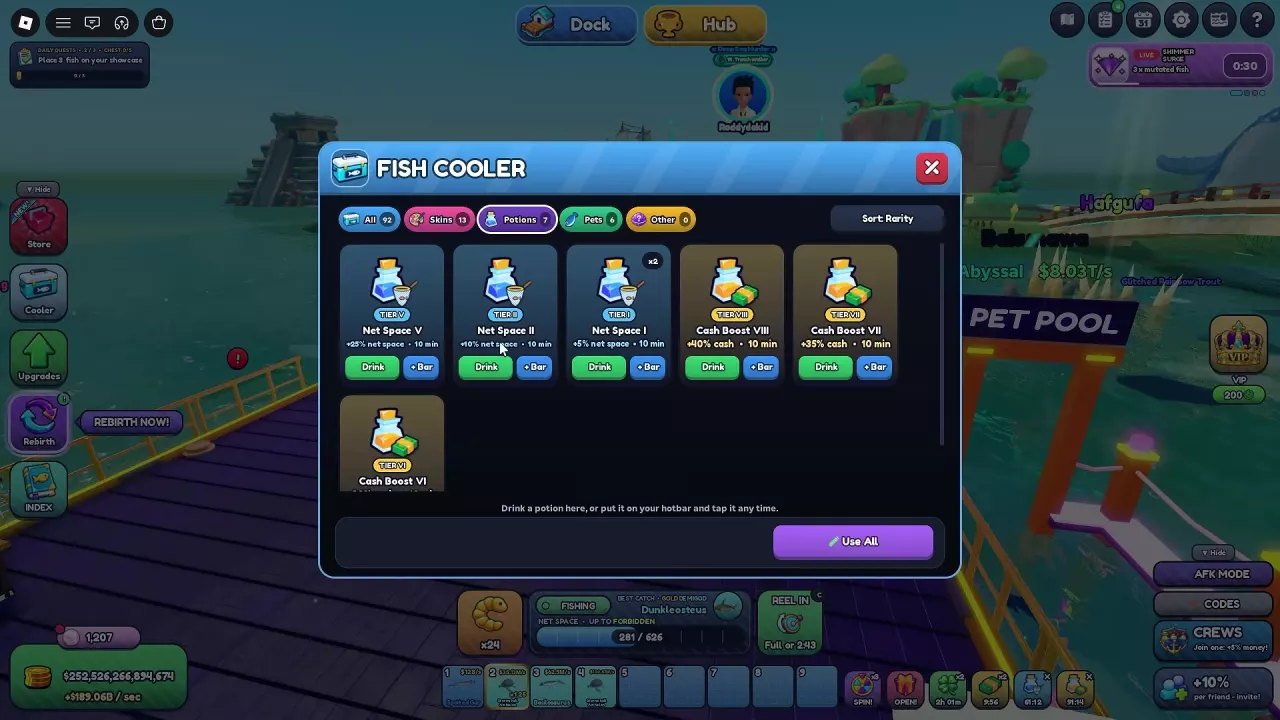
A Net Space potion and a Cash Boost potion can run together. For example, Net Space IX gives +45% net space while Cash Boost X gives +50% showcase cash.
Additional Cash Boost potions can extend an existing timer. With Cash Boost X already active, drinking Cash Boost VI, VII and VIII in that order increased its remaining time from approximately 91 to 121 minutes while the displayed cash bonus stayed at +50%. This example describes that particular starting effect and sequence.
Learn Net A Fish controls, how to cast and reel in, what NET SPACE and UP TO mean, why fish escape, and which upgrades improve your catches.
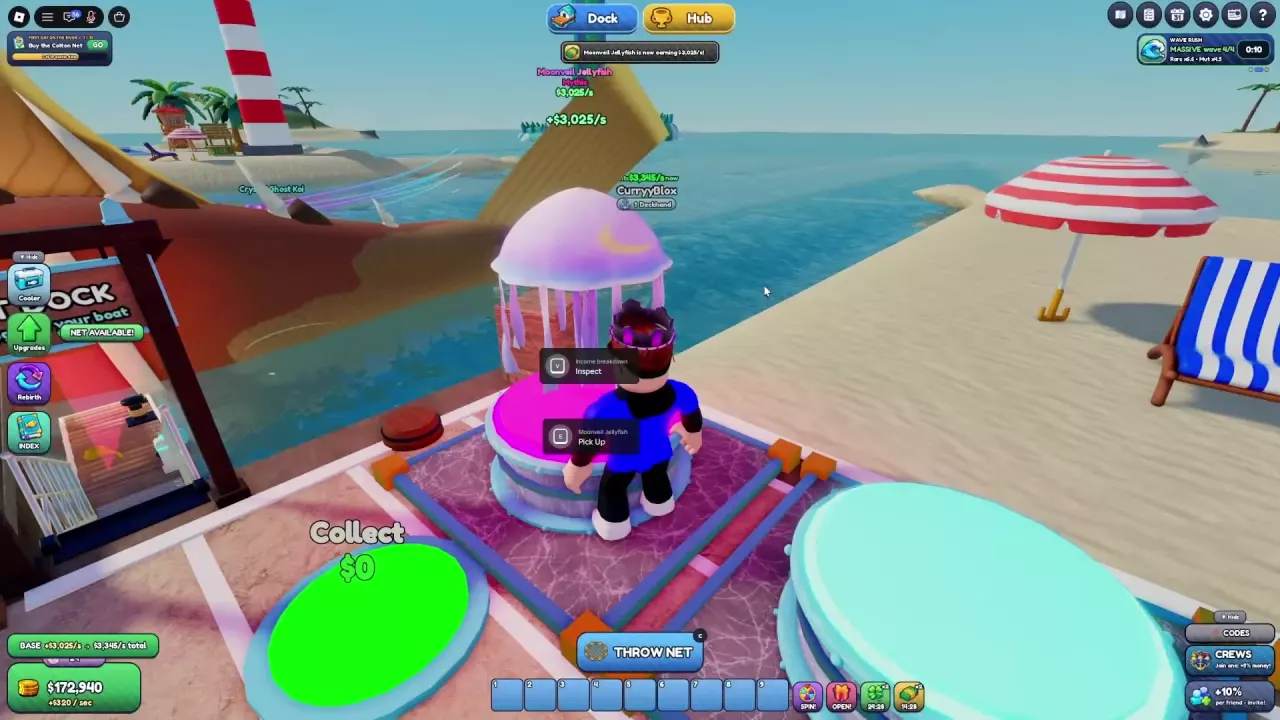
Make more money in Net A Fish: fill showcases, compare fish income, collect cash, and choose upgrades that improve active play and offline earnings.
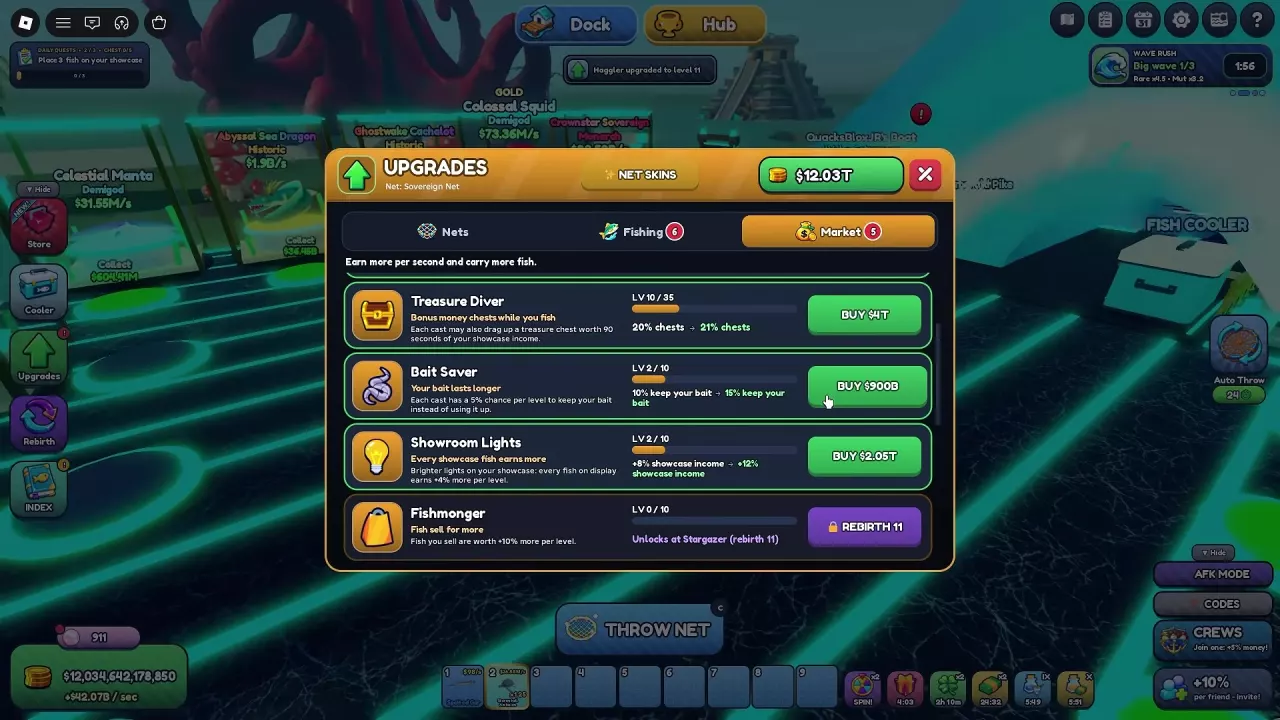
Compare all six Net A Fish Market upgrades, their costs and Rebirth locks. Choose upgrades for discounts, offline cash, treasure chests, bait and fish sales.
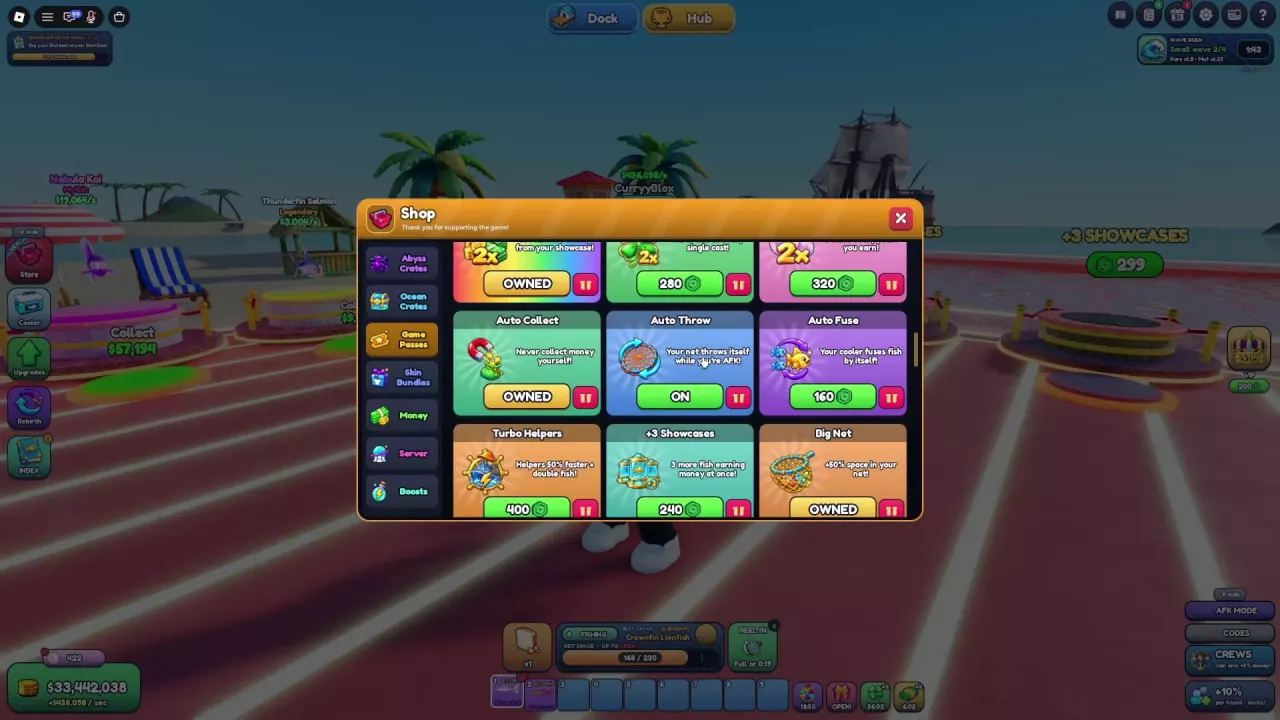
Compare 19 Net A Fish game passes, their prices and benefits. Choose automation, cash, luck or helper upgrades, and compare cash packs and Plus offers.