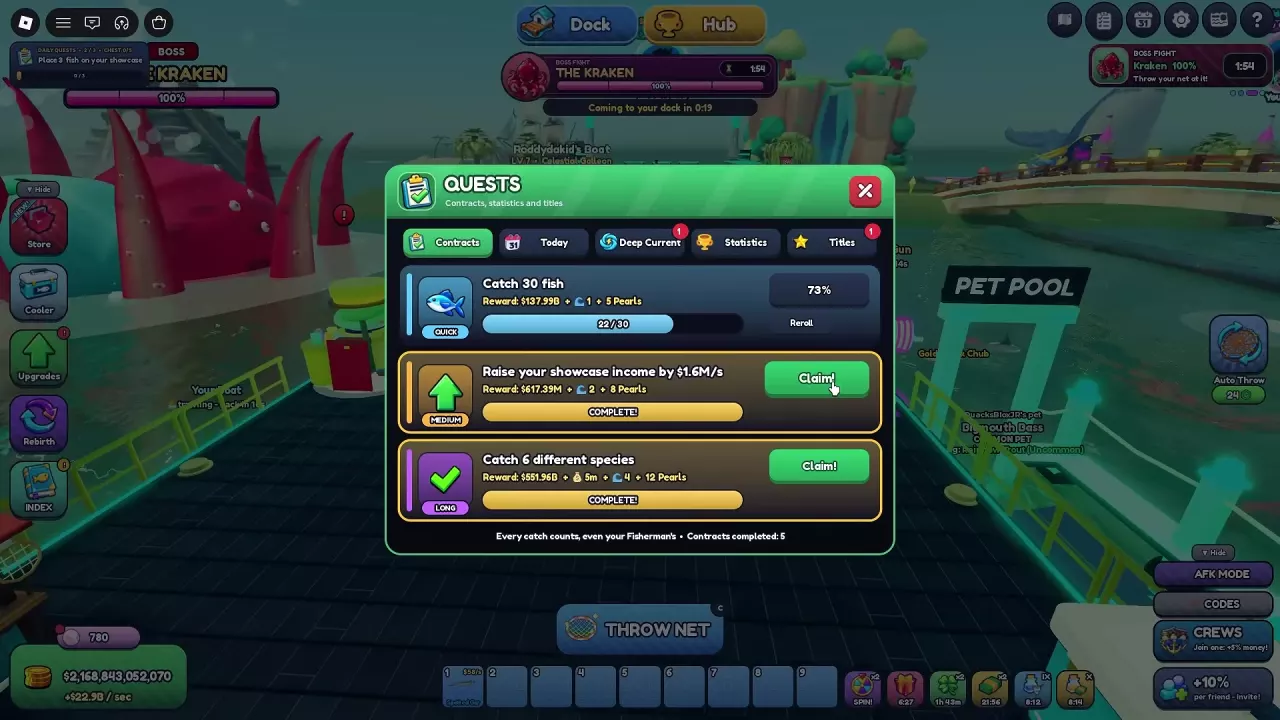
Game Pass Benefits and Prices
Compare all 19 passes by their purpose, price and activation conditions. Standard prices and Plus offers are listed separately; use the price in your purchase window when buying.
Start with the resource or action you want to improve. A Showcase income boost, catch-count multiplier and luck boost affect different parts of progression.
What to Buy for Your Main Goal
Fewer repeated actions
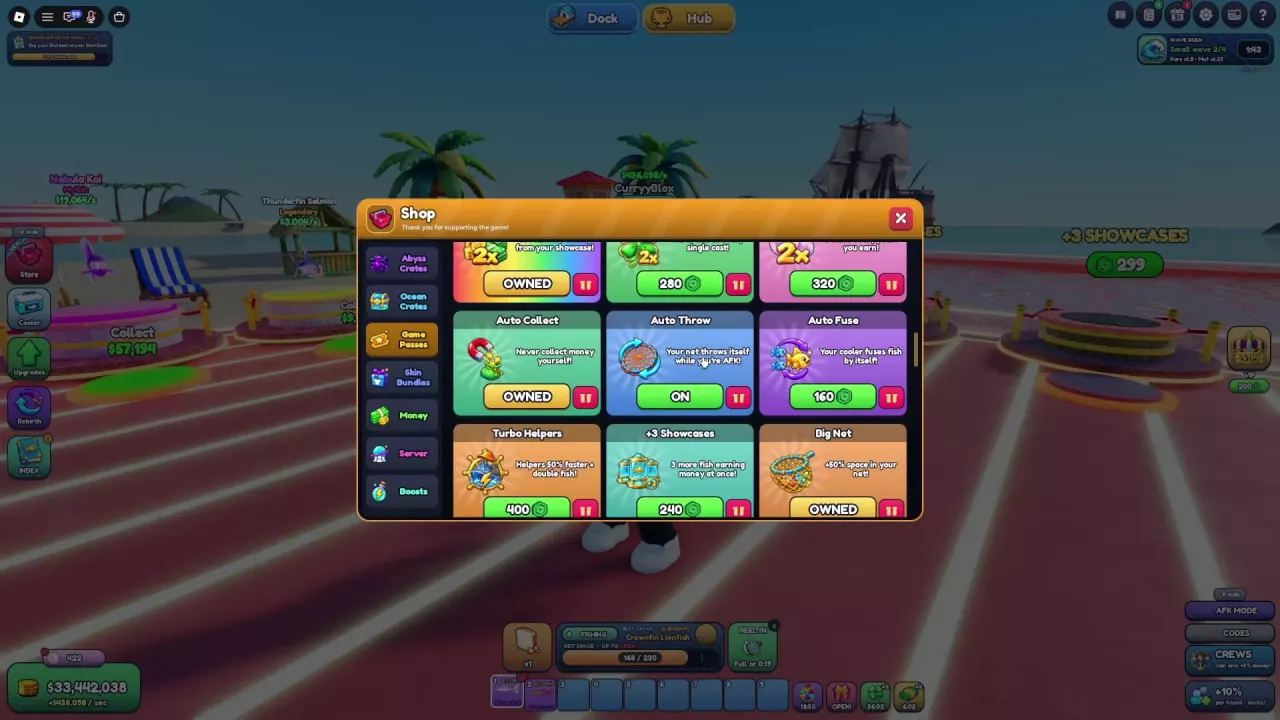
Choose the automation pass for the chore you want to remove. Auto Throw handles casting, Auto Collect handles Showcase cash collection, and Auto Fuse handles eligible stacks in the Cooler. Combining them makes sense when you regularly use all three systems; buying one does not replace the other two.
More Showcase cash
2x Money is the stronger first choice when ongoing Showcase income is your main goal. It doubles money from showcased fish, while VIP adds a permanent 10% money bonus. VIP becomes more appealing when you also want its daily potion and other perks.
Extra Showcase adds three earning slots. Buy it when you have additional fish worth displaying: empty slots produce no extra fish income. Auto Collect is useful when collecting the money is the inconvenience, but its benefit is collection rather than a larger payout. See the Showcase and money guide for choosing and placing earning fish.
Catch progress, rarity and mutations
- 2x Fish Caught: Choose this when fish-count progress is holding up Rebirth. Each caught fish counts twice toward that progress.
- 2x Luck: Choose this for better chances of rarer fish in net casts.
- Mutation Hunter: Choose this for doubled mutation chance, including mutations such as Shiny, Gold and Crystal. It targets a different goal from rarity luck.
Stronger helpers
Turbo Helpers improves the Fisherman, Boat and Spear Gun: they work 50% faster and bring back double the fish. It is the more direct choice when you want those helpers to supply more fish.
Helpers Luck doubles their luck, with the shop benefit describing their rarest fish appearing twice as often. Choose it when the quality of helper catches matters more than their quantity. If helpers supply much of your collection, these passes target that activity directly; use the helpers and online AFK guide to configure the setup.
Pets, Pearls, offline income and movement
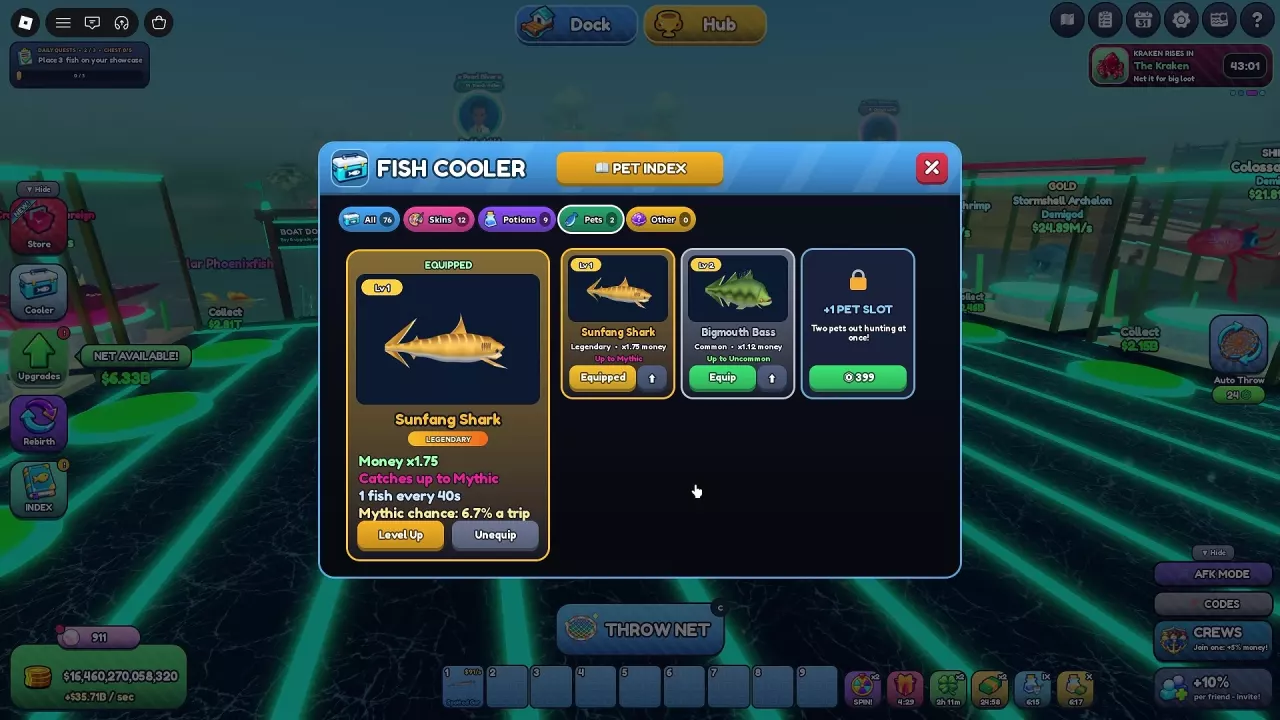
- +1 Pet Slot: Worth considering when you have a second pet ready to use. Two pets can hunt at once, and the second pet's money bonus adds to the first. See pet equipping and bonuses.
- 2x Pearls: Choose this when Pearl income is your priority; it doubles all Pearl income.
- Offline Pro: Suits long breaks, with a 25% offline money boost and 24 hours of offline collection.
- Sprint: A movement purchase that permanently increases walking speed by 30% everywhere.
- Boss Hunter: Consider it for repeated Kraken or Hollow King encounters, using the specific reward benefits below.
Automation Conditions and Coverage
Activate Auto Throw at your base
- Purchase Auto Throw through Game Passes or the Roblox Shop's Passes tab.
- Set Auto Throw to ON in Game Passes.
- Stay inside your base. The interface can move through THROWING and FISHING, with net-capacity progress and Reel In available.
Its benefit is automatic casting while you remain at your base.
Give Auto Collect and Auto Fuse something to process
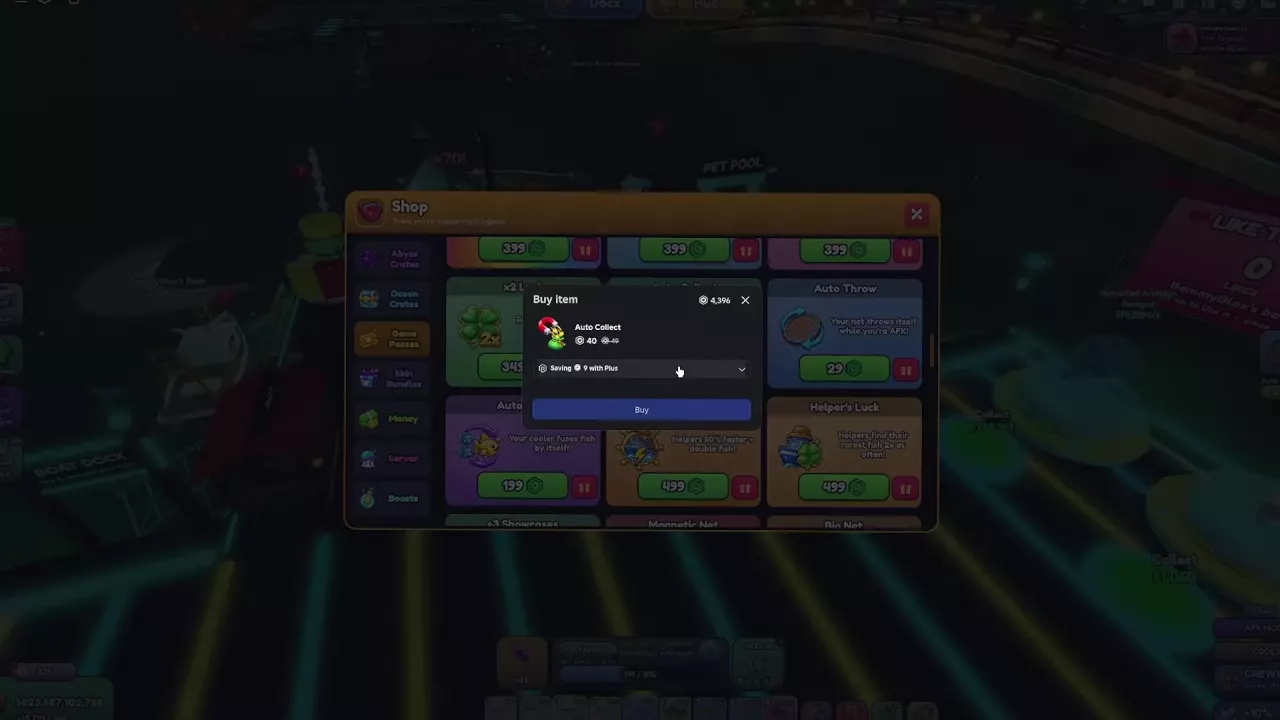
Auto Collect transfers money earned by your displayed fish, removing repeated trips to the Showcase collection pads. Its collection benefit applies to Showcase cash.
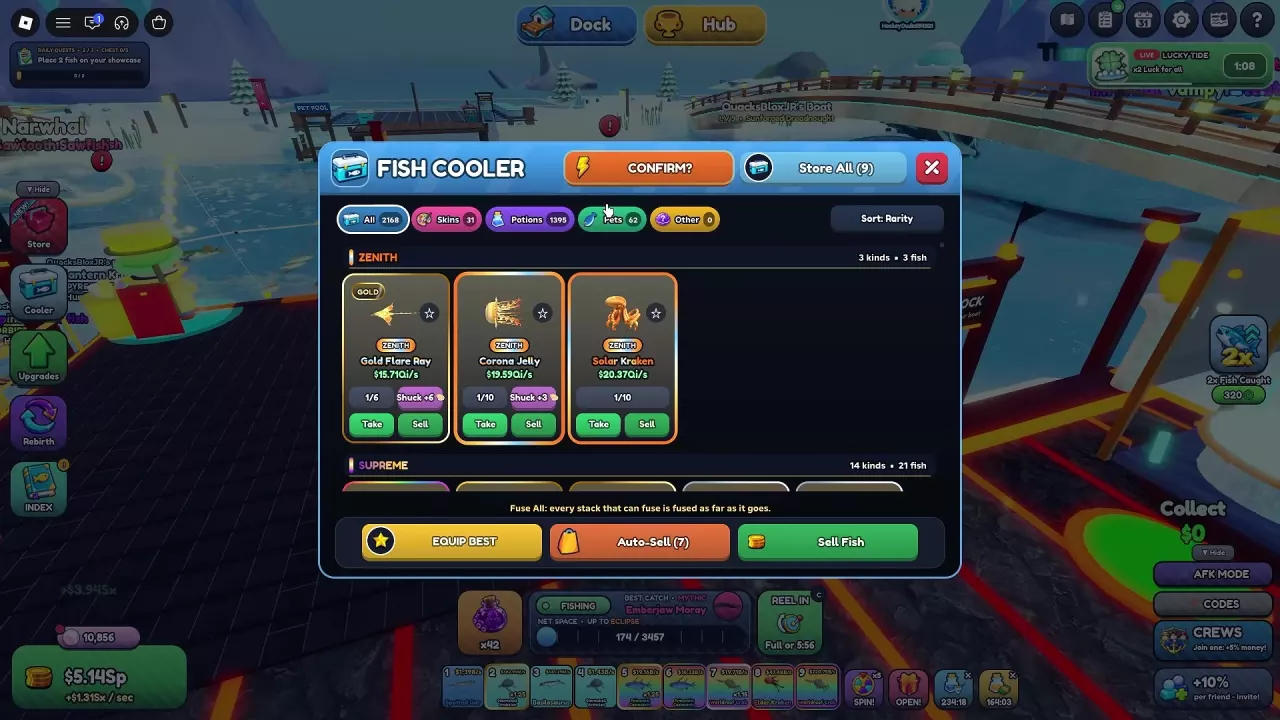
Auto Fuse processes Cooler stacks once they meet their fusion requirements, then continues through further eligible tiers. You still need the fish: the early steps require 10 fish for Shiny and 8 Shiny fish for Gold. It is useful for a steady supply of duplicates. Follow the fusion recipes and Fuse All guide for the full material ladder and manual controls.
Big Net, Longer Reel and Net Magnet
| Pass | What it changes | When to choose it |
|---|---|---|
| Big Net | +50% Net Size; the Game Passes offer describes +50% net space | You want a larger net or more net space. |
| Longer Reel | Doubles the time the net stays out; the Roblox pass benefit also lists 2.5 ft of extra net width | You want longer time in the water and the listed width benefit. |
| Net Magnet | Pulls nearby fish toward the net | You want help drawing nearby fish in. |
These benefits address size, duration and attraction separately. Choose the one that matches the part of catching you want to improve.
Boss Hunter rewards
Boss Hunter lists 1.5x cash, a 50% Mini Kraken chance and a 35% bonus Ocean Crate chance for Kraken. For Hollow King, it lists 1.5x candy and a 50% Haunted chance. These are boss-specific benefits, so use the relevant encounter when evaluating the purchase. The boss guide explains participation and reward types.
Purchase Windows, Plus Prices and VIP
- Open Shop or Store, then select Game Passes. In the Roblox Shop interface, select Passes.
- Select the pass and review its purchase window, including any with Plus price and savings. Have enough Robux for that displayed price.
- Confirm the purchase. A purchase-complete or unlock message indicates success; the card can then show OWNED.
Plus purchase offers include Auto Throw at 24 instead of 29 Robux, Auto Collect at 40 instead of 49, 2x Luck at 280 instead of 349, and 2x Money at 320 instead of 399. These are specific offers, so do not apply one discount to every item.
You can also buy Extra Showcase at the +3 SHOWCASES area in your base by selecting Unlock. The entrance can display 299 Robux while the Plus purchase window offers 240 Robux.
A card can continue showing a price after a purchase-complete message, including for 2x Money. That remaining price alone does not mean the purchase failed.
VIP benefits
VIP includes a permanent 10% money bonus, a gold VIP name and chat tag, and one free potion per day. It stacks with other passes. Its standard price is 249 Robux, with a 200-Robux Plus shop offer.
The VIP shop offer that includes Money and Pearls benefits also lists a 10% Pearls bonus, chat color and an exclusive VIP skin. Include those extras in your decision when buying that offer.
VIP and several Game Passes cards also have a Gift option.
Cash Packs and Paid Boost Actions
Buy enough cash for your target
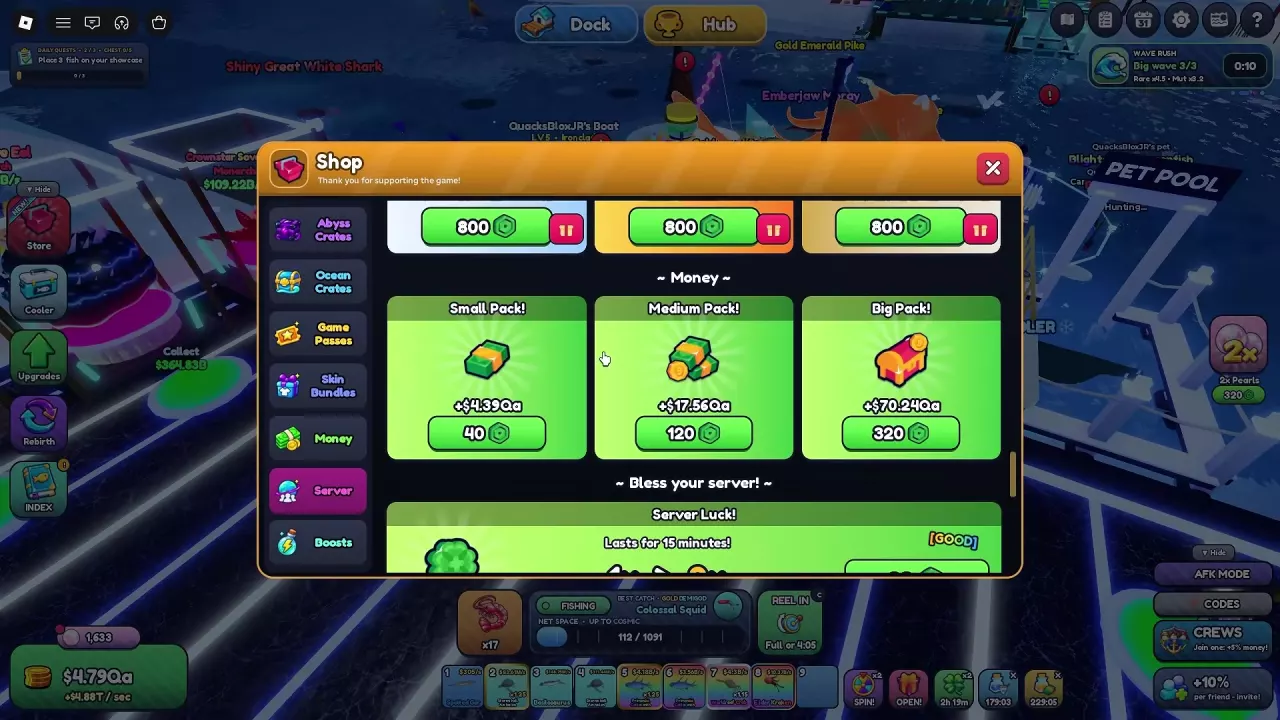
Cash packs add the amount offered in a single purchase. Their cash amounts can differ between offers; 2x Money instead boosts ongoing income from showcased fish.
- Open Shop or Store → Money.
- Subtract your current cash from the target's cost, using the same unit. If your balance already covers it, the remaining amount needed is zero.
- Compare that remainder with the cash amounts currently displayed for Small, Medium and Big.
- Select a pack and confirm the matching purchase, such as Cash Medium or Cash Big. The purchased cash is added to your balance after completion.
For the offer of 1.95Sx, 7.81Sx and 31.23Sx at 40, 120 and 320 Robux respectively:
- Medium gives about four times Small's cash for three times its price.
- Big gives about sixteen times Small's cash for eight times its price, making it the best cash-per-Robux choice within this offer.
- Medium costs less overall if it already covers your goal. Its 7.81Sx covers a 7.5Sx target even before counting any existing cash, so spending 320 Robux on Big is unnecessary for that purchase alone.
Potions and individual paid actions
Shop → Boosts includes purchases with distinct uses:
- Potion Bundle: Supplies five Cash Boost potions and five Net Space potions. Choose it when you want consumable buffs; see how to drink potions and read their timers.
- Skip Contract Wait: Immediately provides the next batch of Contracts. It suits a wait between batches; see Contract objectives and refreshing.
- Instant Fuse: Use it from the Cooler to fuse a stack without enough fish. It is a separate paid action from Auto Fuse, whose automatic processing still requires eligible stacks.
The listed Plus offers for these purchases are 64, 16 and 24 Robux respectively. A potion bundle or individual paid action does not grant a permanent income multiplier.
Skin Bundles and Related Guides
Cloudy, Blazing and Marble bundles combine themed appearances with Money, Luck and Fish Caught bonuses that require the matching Base skin to be equipped. Compare the bonus printed on the offer as well as its price: the bundles have +20% configurations at 999 or 800 Robux, and 800-Robux shop configurations advertising +10%.
Moonpearl Net is a cosmetic net skin that changes appearance and adds no stats. Choose it for its look; choose a themed bundle for its listed bonuses only if you will equip the matching Base skin. The skins and bundles guide covers the appearance choices, offer differences and equipping steps.