
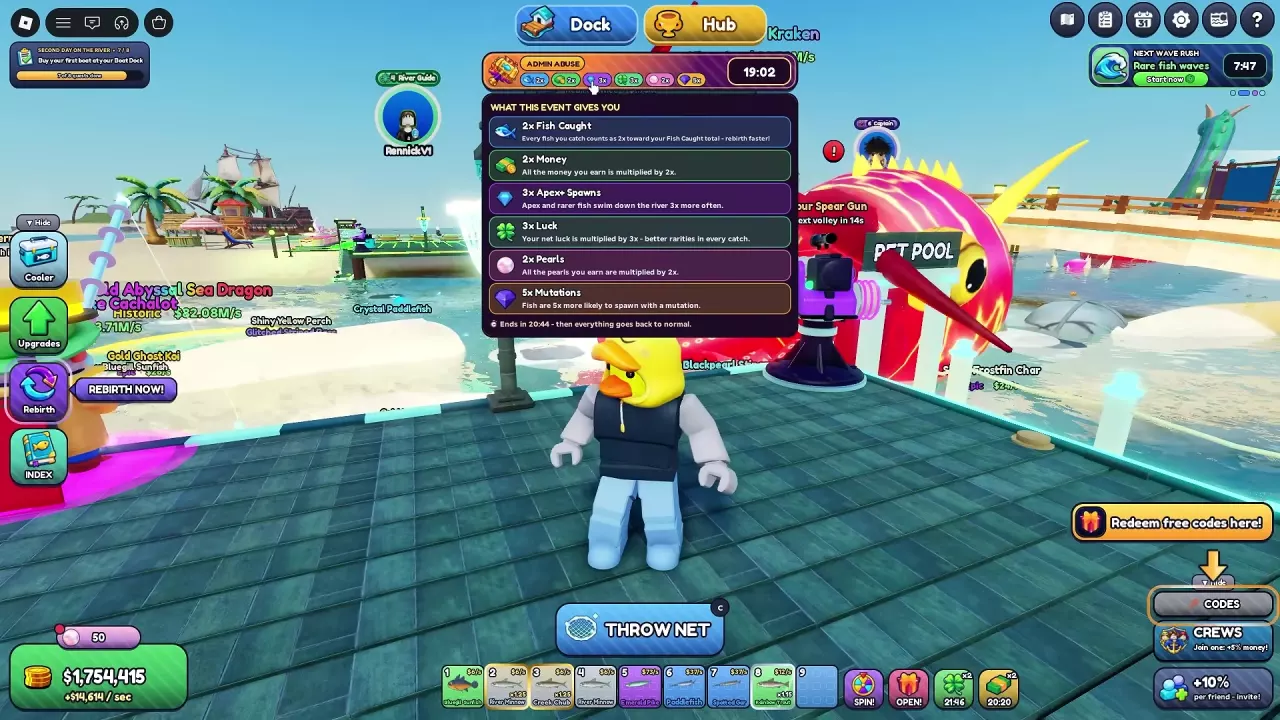
Net A Fish Events and Server Boosts
Compare Net A Fish event effects, Admin Abuse bonuses, Server Luck and Pearl Rain. Learn summon costs, weekly limits and what event results mean.
Last updated:
Wave Rush brings a series of boosted fishing waves to Net A Fish. Watch the current wave, keep your net working, and use the results to improve your collection and showcase.
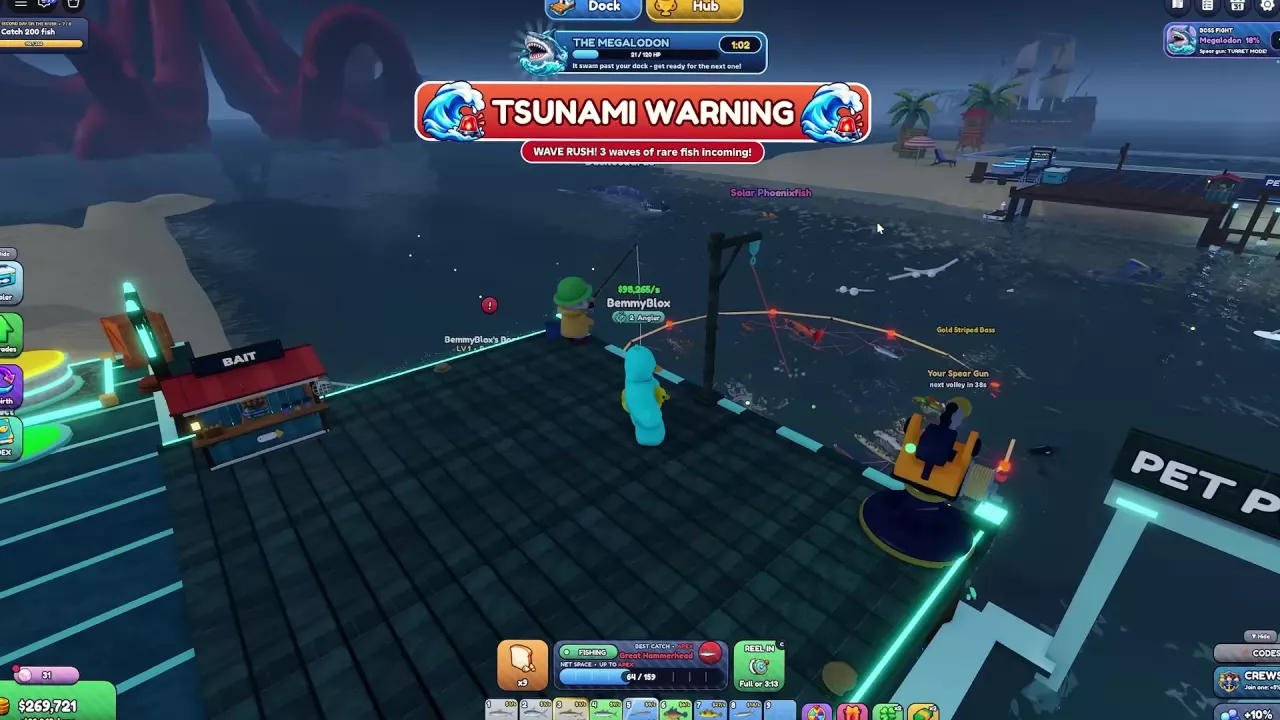
TSUNAMI WARNING announces an incoming Wave Rush. A run can have three or four waves; their types and order can change. The event panel shows the current wave, its number, Rare and Mut multipliers, and a countdown. Wave announcements can also show a Fish multiplier.
| Wave | Rare fish | Mutations | Fish |
|---|---|---|---|
| Small | ×1.8 | ×1.25 | — |
| Medium | ×3 | ×2.5 | ×1.48 in a 1/3 wave |
| Big | ×4.5 | ×3.2 | ×1.6 in a third-wave announcement; ×1.64 in a 2/3 wave |
| Massive | ×6.6 | ×4.5 in wave announcements | ×1.8 in wave announcements |
| Extreme | ×10 | ×10 | ×3 |
Read the live panel as well as the announcement: a Massive 2/3 HUD can display Mut ×1.5, and a Big 1/4 HUD with a simultaneous Forbidden Awakening countdown can display Mut ×8.2.
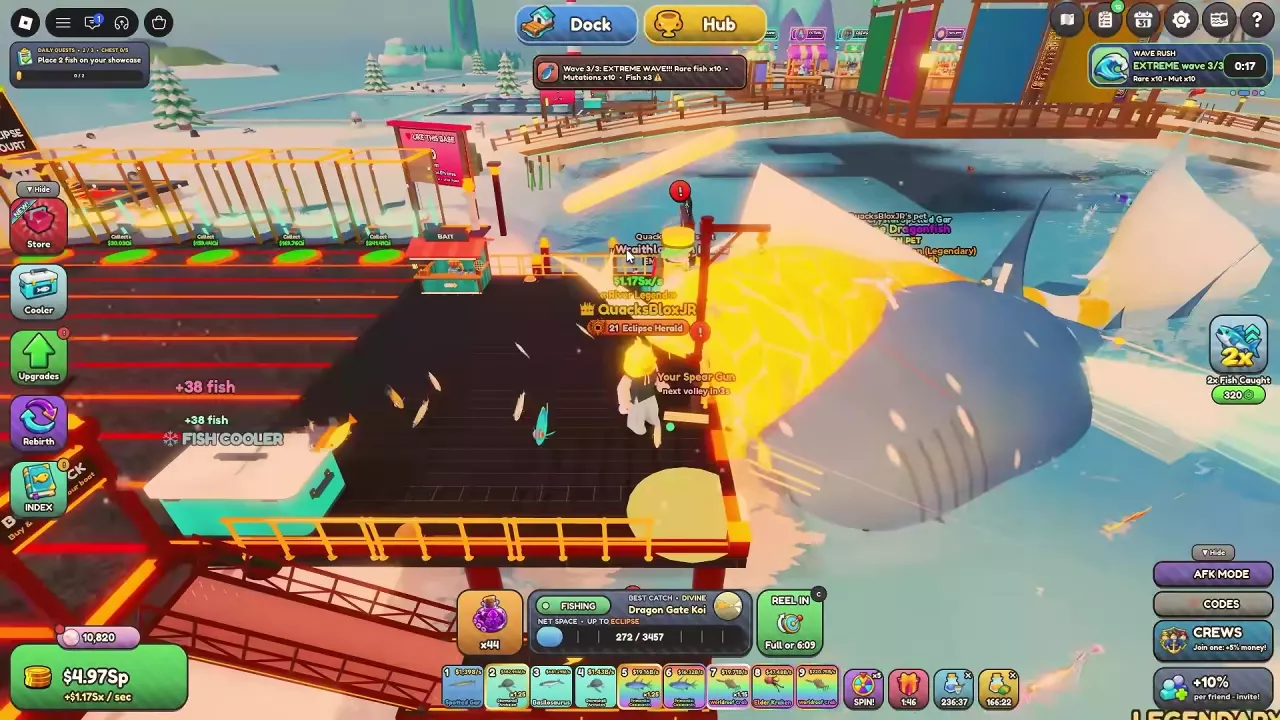
Extreme Wave has particularly large bonuses, but earlier waves can still produce valuable fish. Keep fishing instead of waiting for the final wave.
Wave Rush does not remove your net’s rarity limit. If a fish escapes, use the named net as your upgrade target: for example, Gold Stormshell Archelon requires Celestial Net, while Skyglass Jelly requires Aurora Net. Check the net progression and requirements to plan the purchases.
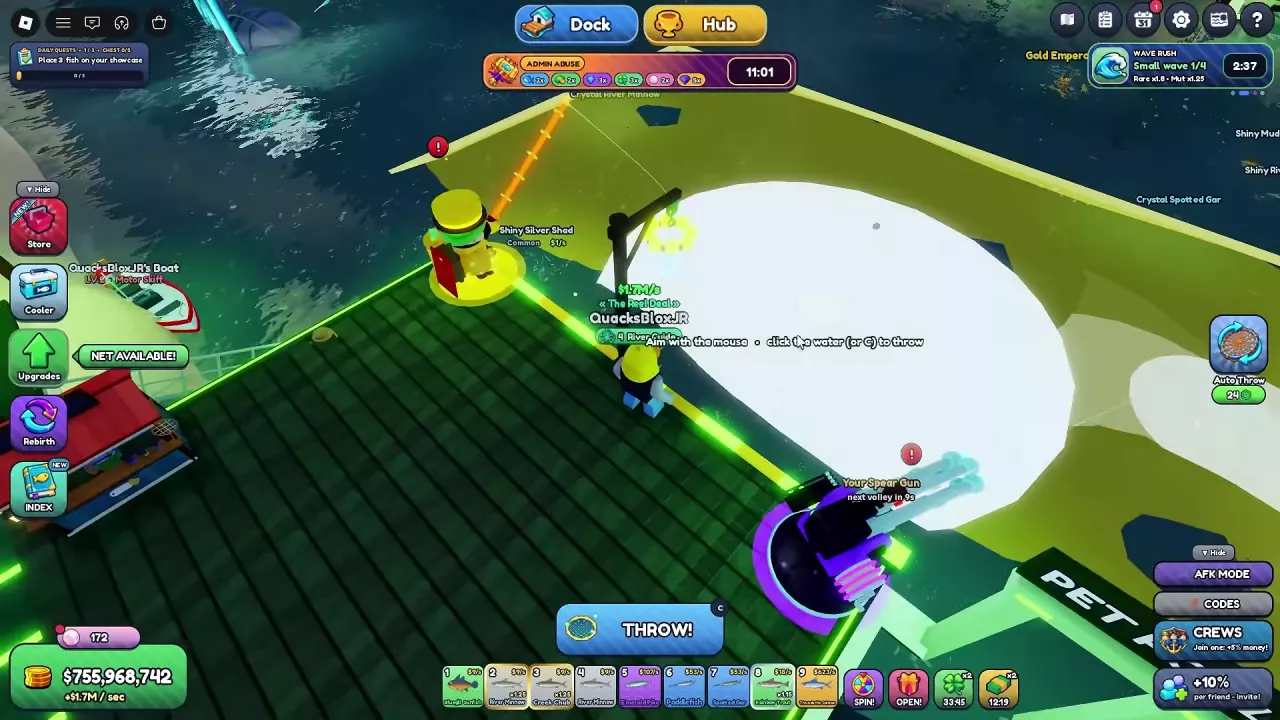
Your Fisherman, Boat, Spear Gun and equipped pets can keep fishing on their own cycles while you use your net. The Wave Rush settlement separates net catches from helper catches and reports new species and your best catch; it can also show stacks ready to fuse.
After the Rush, open the Fish Cooler to inspect your catch. Place a useful fish on a showcase or use Equip Best, and use the Cooler’s fusion options for eligible stacks. See the Cooler guide for managing and selling fish, or the helper guide for an automated setup.
To summon a Rush with Pearls, go to the Pearl Shop in the Hub, open Boosts, and choose Call a Wave Rush for 3,000 Pearls. Pearl Shop event boosts affect the whole server, show other players who paid, and can be purchased once per type each week.
For a Robux summon, open Store and browse the Server section. Wave Rush listings have appeared at 149 Robux and 120 Robux. If a Rush is already running, a Robux-purchased Rush queues for the next one.
Find Pearl sources or compare other river events and server boosts.
Compare Net A Fish event effects, Admin Abuse bonuses, Server Luck and Pearl Rain. Learn summon costs, weekly limits and what event results mean.
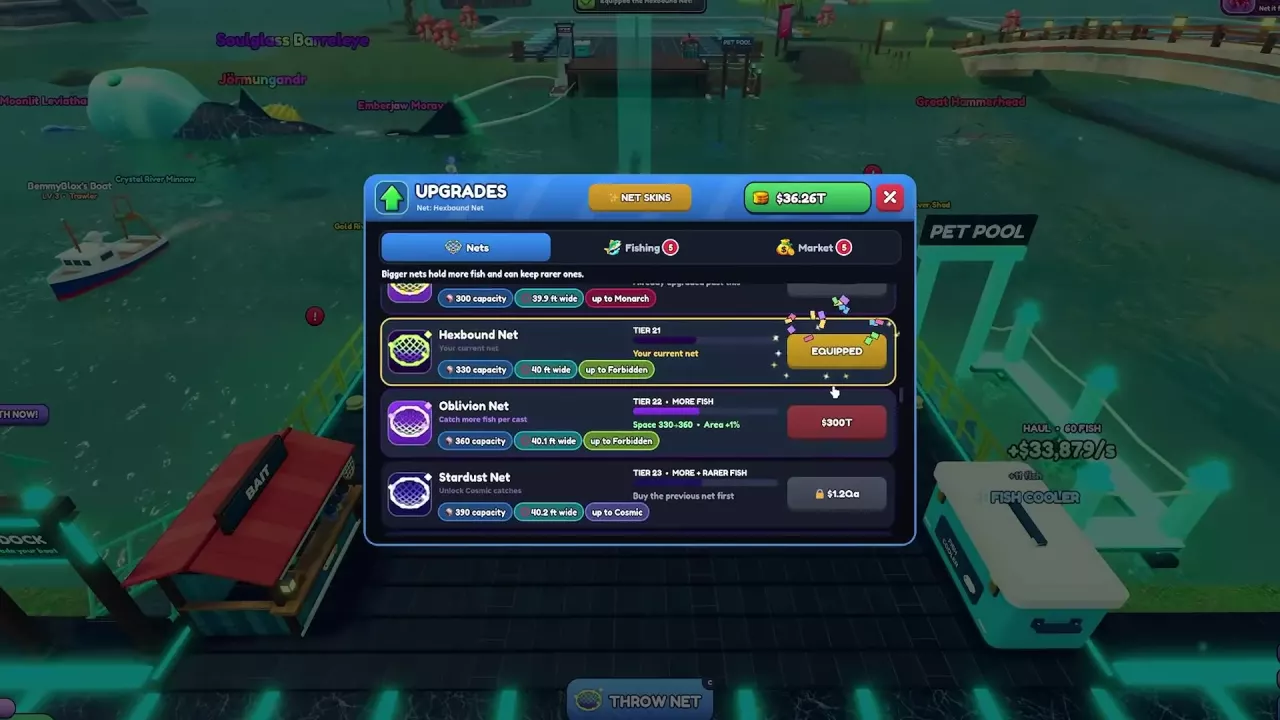
Compare all 48 Net A Fish nets, follow purchase requirements, plan rarity upgrades, and distinguish the Tier 17 and Tier 48 Ancient Nets.
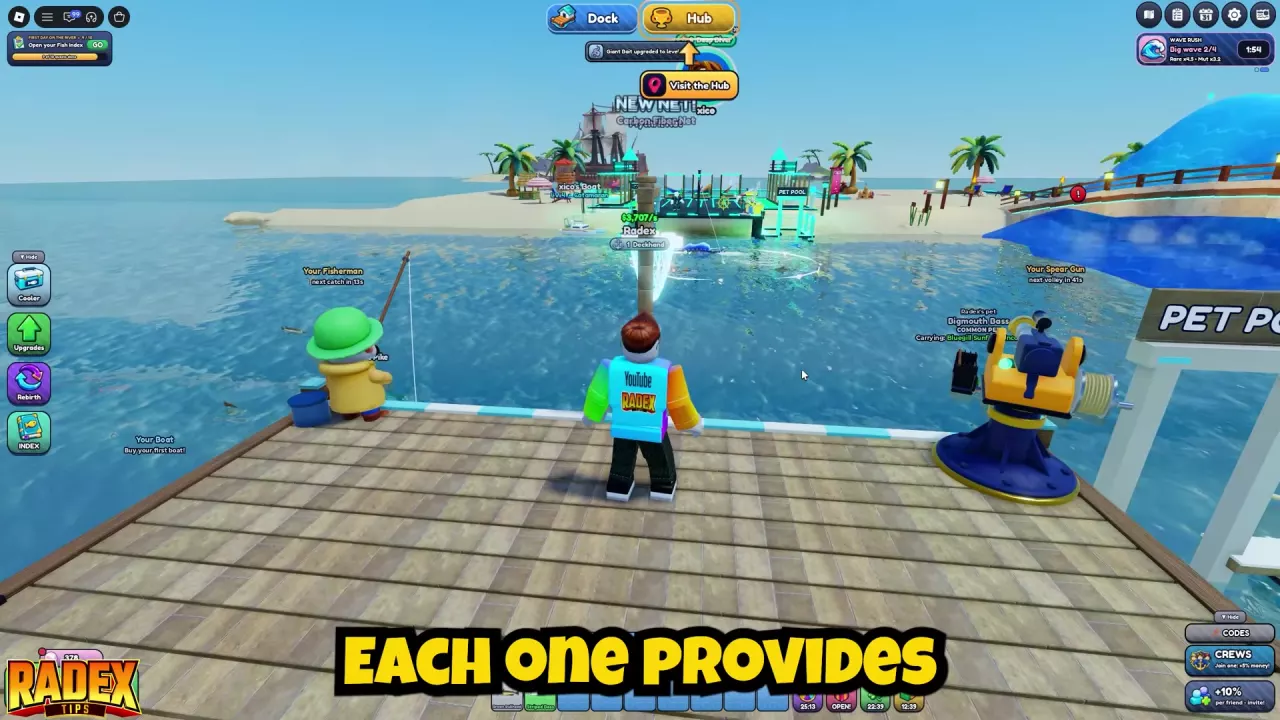
Compare Net A Fish helpers and build an online AFK setup with Auto Throw, pets, boats, and Auto-Sell settings that preserve your fusion materials.
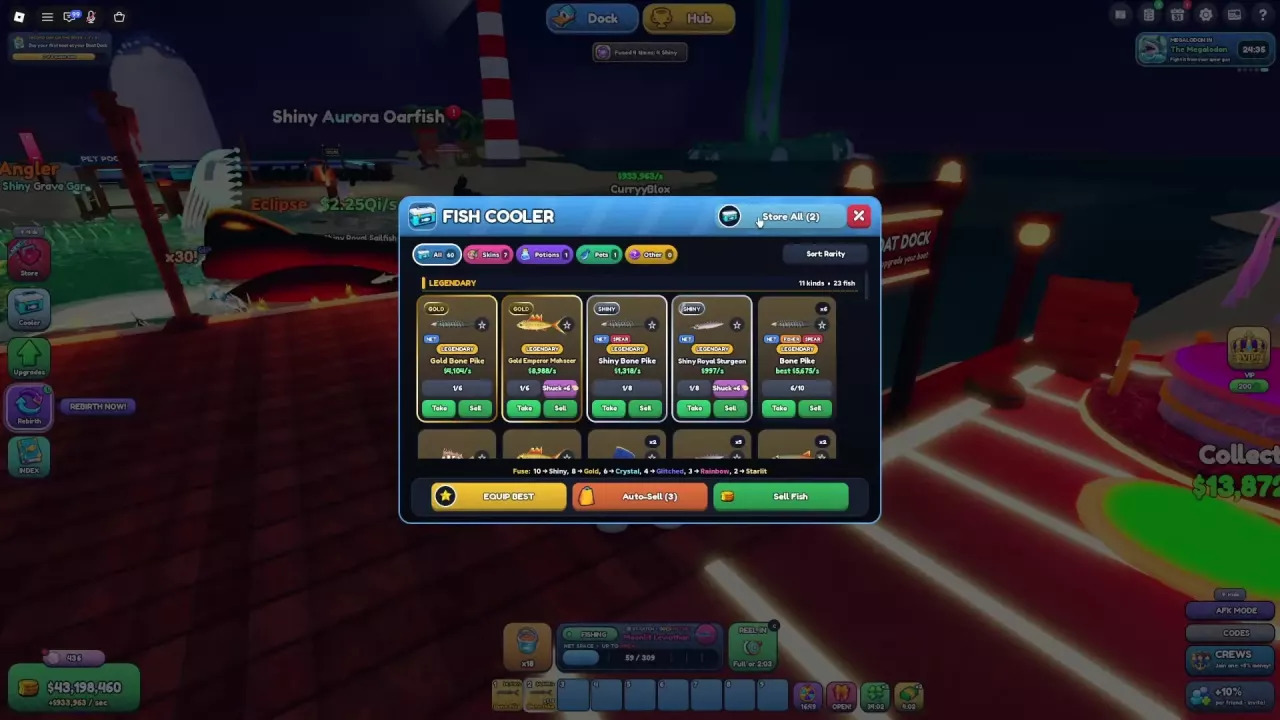
Manage your Net A Fish Cooler: sort catches, store carried fish, use Equip Best, sell surplus fish, and set Auto-Sell to keep fusion materials.
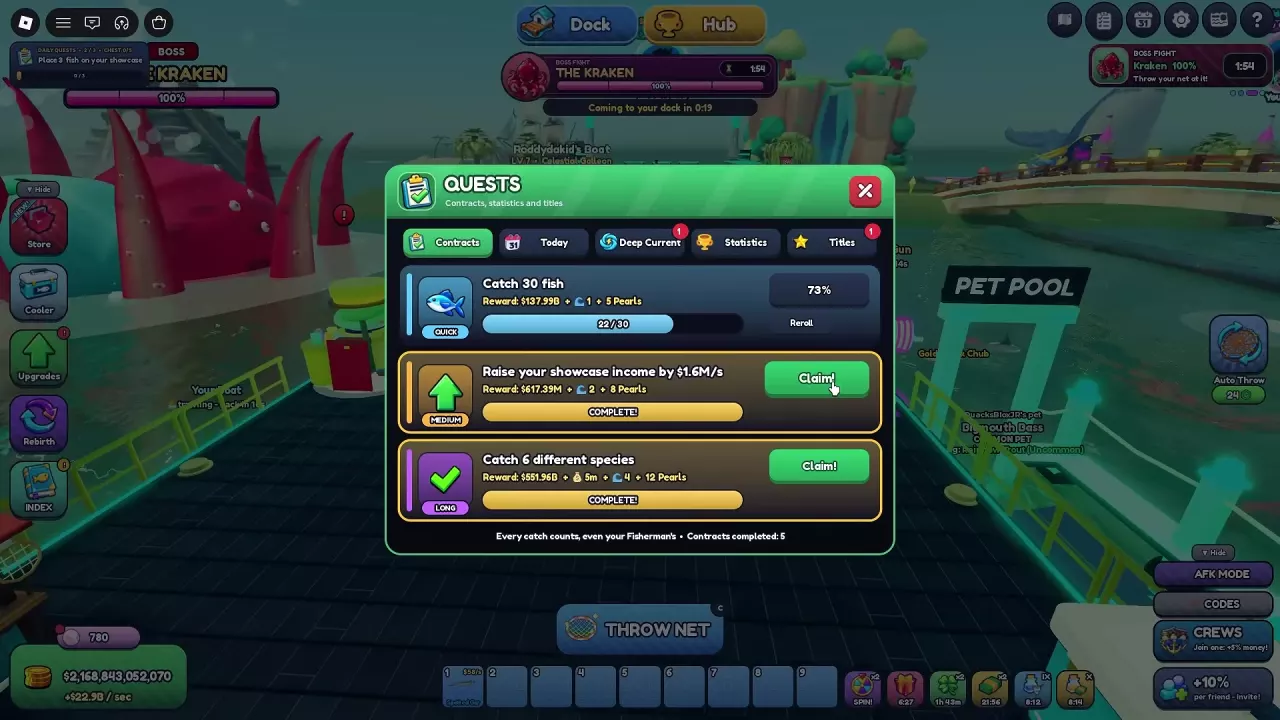
Complete Net A Fish Contracts, earn Pearls and Deep Current charge, and learn how claiming, cooldowns, Skip and Reroll work.
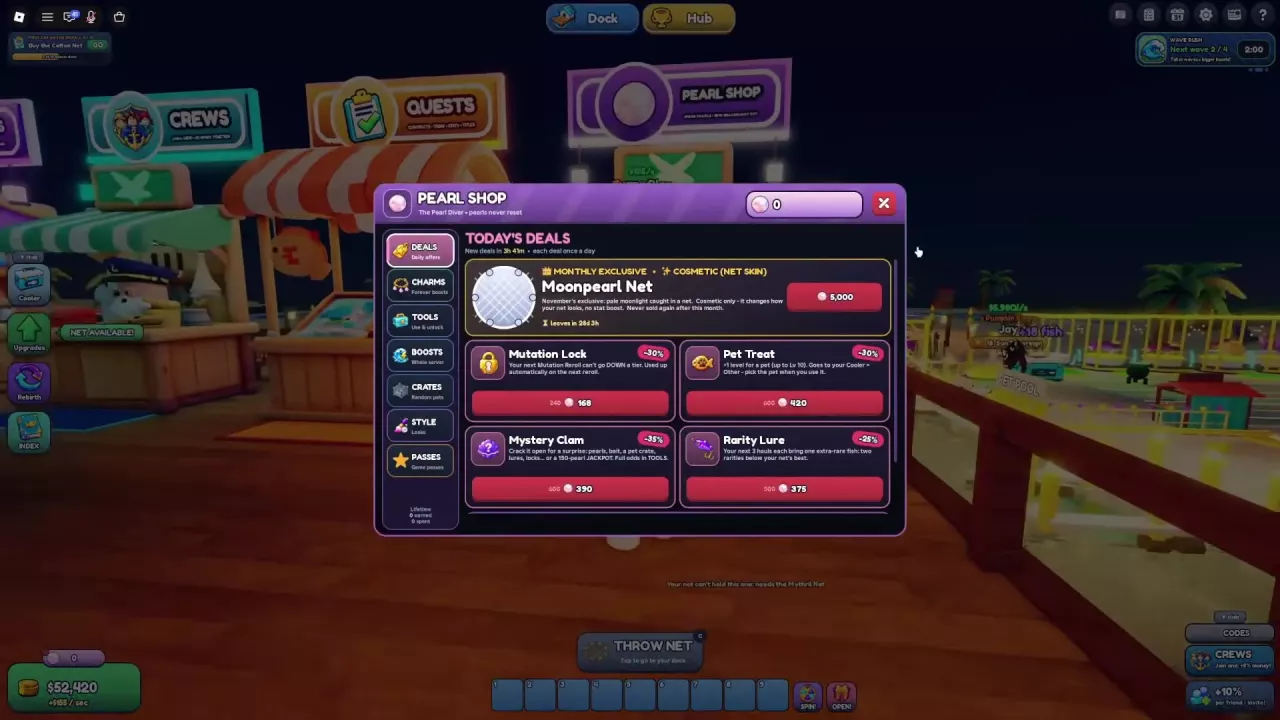
Learn how to earn Pearls in Net A Fish, compare permanent Charms, find Pearl Shop daily deals, and choose useful tools, crates or server boosts.