Net A Fish Fishing Guide: Controls and Catch Limits
Learn Net A Fish controls, how to cast and reel in, what NET SPACE and UP TO mean, why fish escape, and which upgrades improve your catches.
Last updated:
Find the facilities you need in Net A Fish, return to your dock, and unlock new river environments through Rebirth.
| Destination | What you can find there |
|---|---|
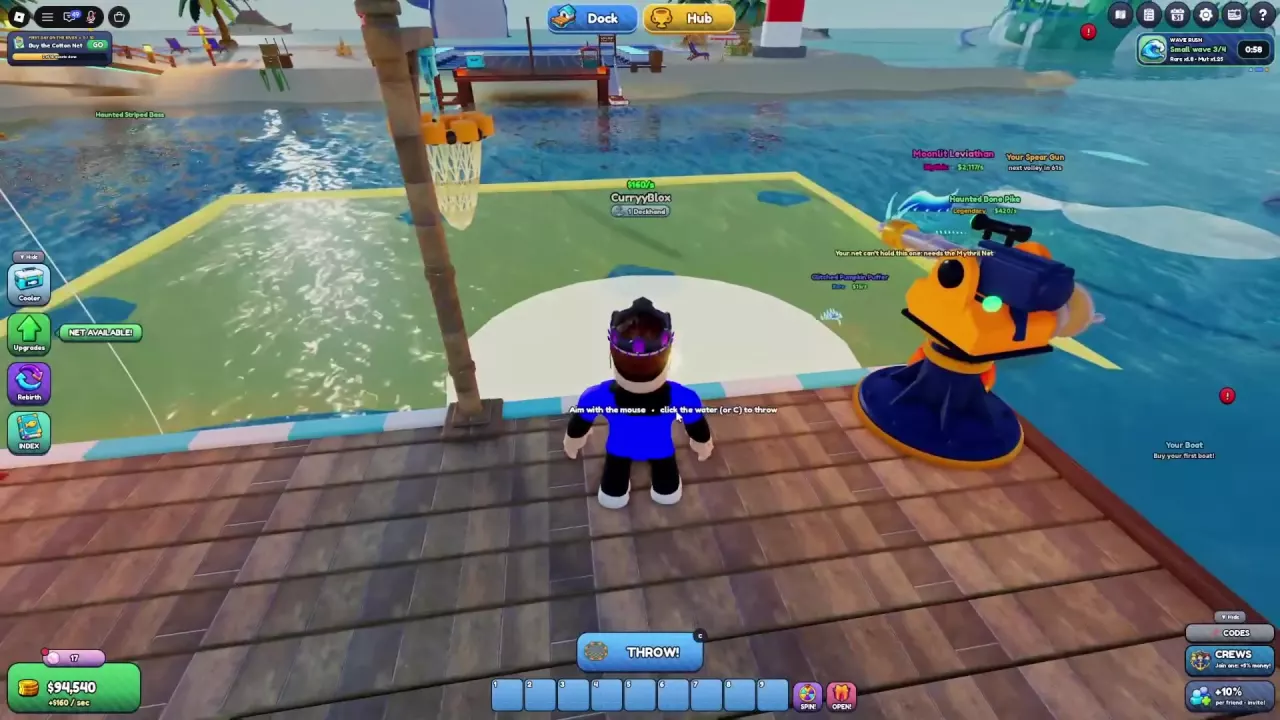
| Your Dock | Fish Cooler, Showcases and Collect points, Fisherman, Spear Gun, BAIT stand, Boat Dock, and Pet Pool |
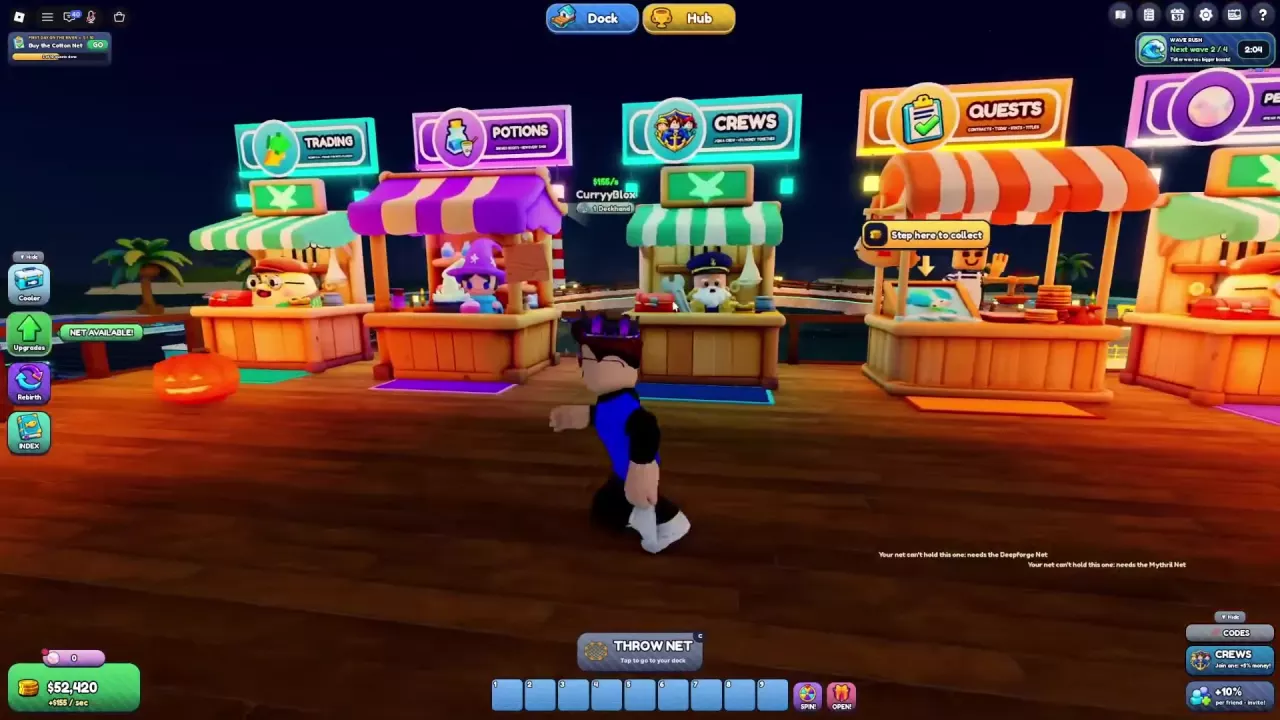
| Hub | Trading, Potions, Crews, Quests, and Pearl Shop stalls |
Use the Boat Dock to access boat purchases and upgrades. At the Hub, approach the Quests board or Potions stall and press E to open it.
The Hub also has six leaderboards: Most Fish Caught, Rarest Catches, Top Supporters, Most Playtime, Most Rebirths, and Top Earners.
Select Hub at the top of the screen to reach the public stalls. Select Dock to return to your personal base; the transfer displays “Back to your dock...”
Away from your base, THROW NET can display Tap to go to your dock. Select it to return before casting a new net. A net already in the water can continue catching fish while you visit the Hub.
If you are swimming, head toward a nearby dock or the riverbank and reach the edge to climb out. This also applies in Frozen Glacier.
Complete the requirements in the Rebirth menu and promote to Captain at Rebirth 6 to unlock Chapter 2, Jungle Swamp. Its surroundings include giant trees in mist, glowing mushrooms, and ancient ruins.
Promote to Stargazer at Rebirth 11 to unlock Chapter 3, Frozen Glacier, with snow-covered pines, ice crystals, and distant glaciers.
These are personal themes for the surroundings around the river: each player sees their own environment. After unlocking a world theme, open Cooler → Skins to access theme selection. See the Rebirth guide for requirements and progression, or the skins guide for appearance options.
Learn Net A Fish controls, how to cast and reel in, what NET SPACE and UP TO mean, why fish escape, and which upgrades improve your catches.
Compare Net A Fish helpers and build an online AFK setup with Auto Throw, pets, boats, and Auto-Sell settings that preserve your fusion materials.
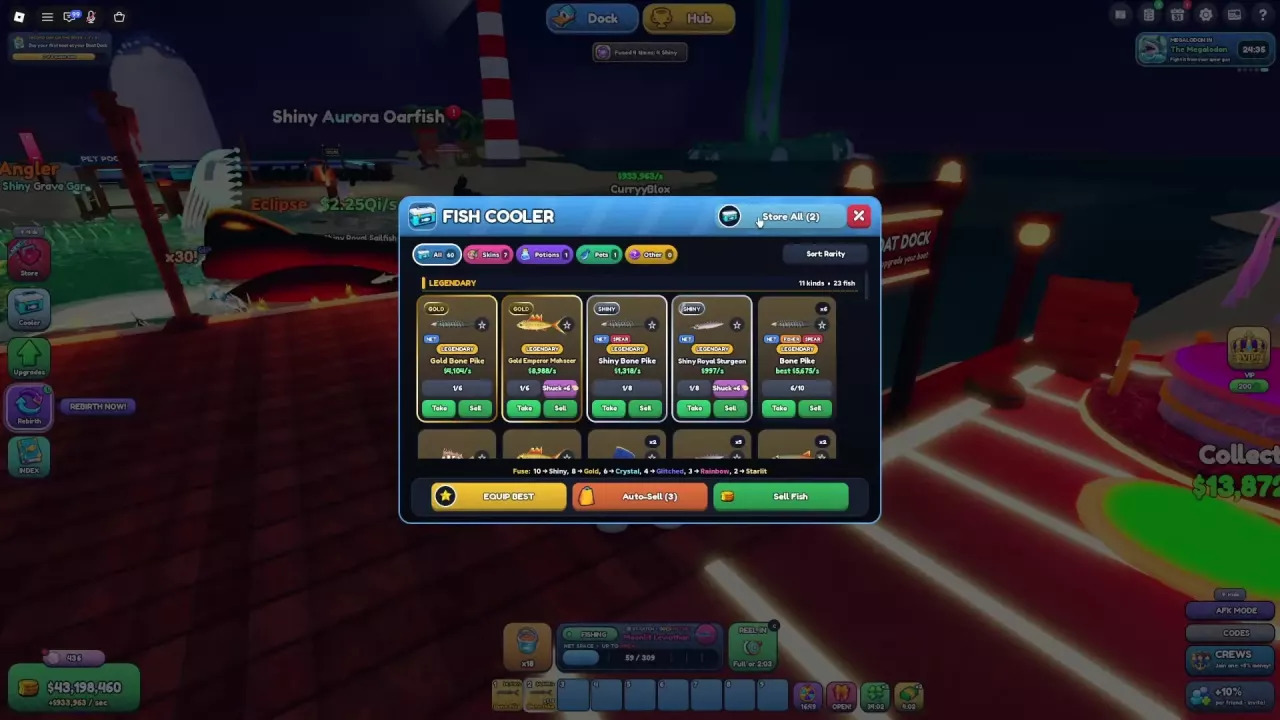
Manage your Net A Fish Cooler: sort catches, store carried fish, use Equip Best, sell surplus fish, and set Auto-Sell to keep fusion materials.
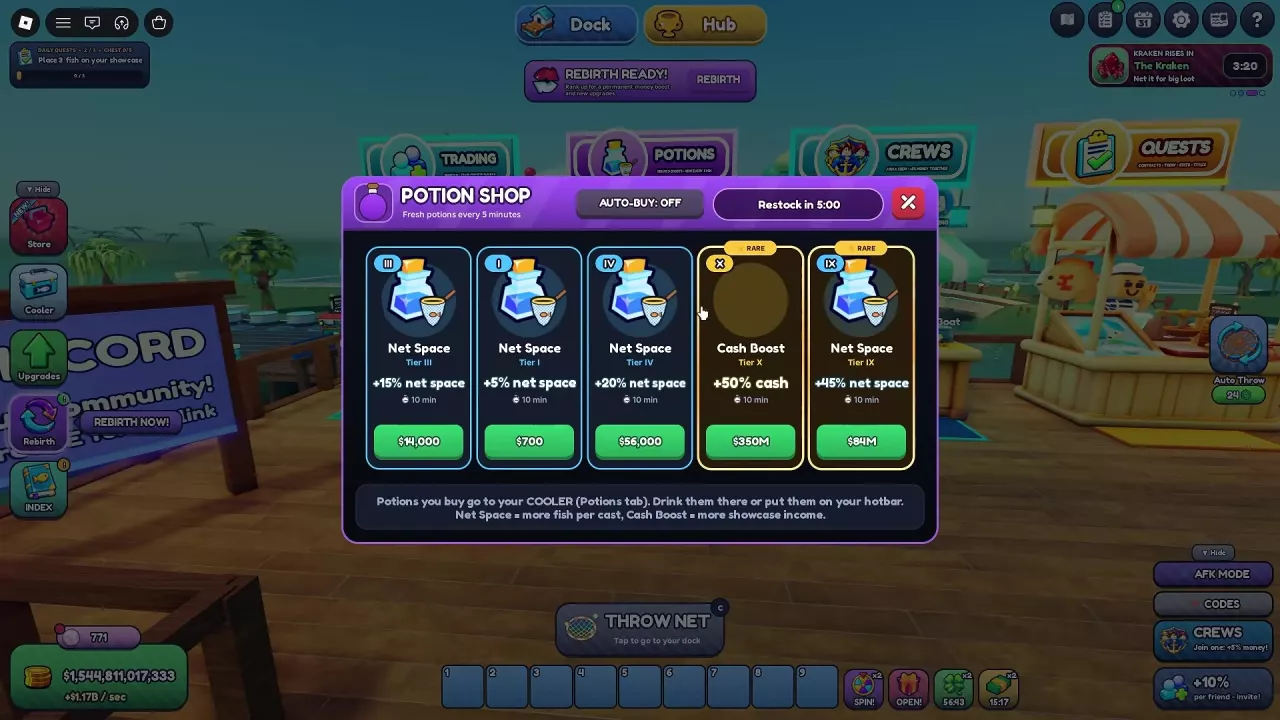
Compare Net A Fish potion tiers, find the Potion Shop, use potions from your Cooler, and learn how a Cash Boost timer can be extended.
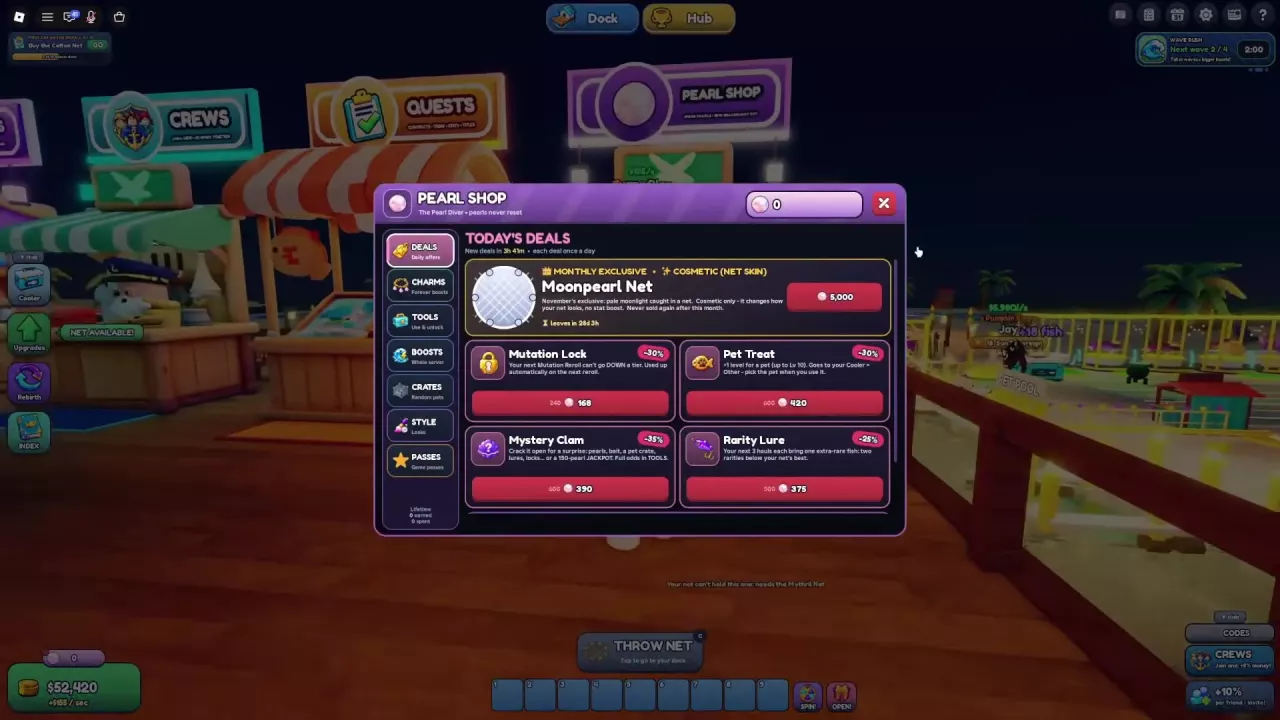
Learn how to earn Pearls in Net A Fish, compare permanent Charms, find Pearl Shop daily deals, and choose useful tools, crates or server boosts.
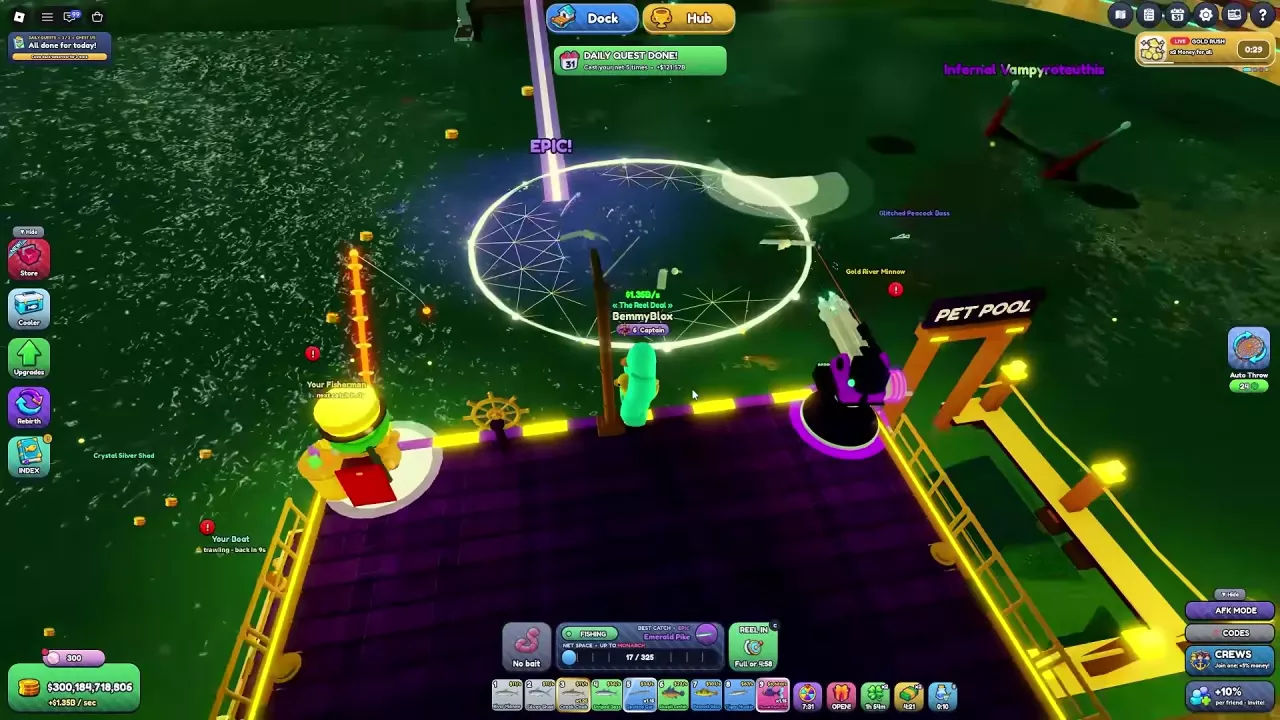
Complete Net A Fish daily quests, follow starter objectives and advance the Weekly chest. Compare Contracts and other reward activities.
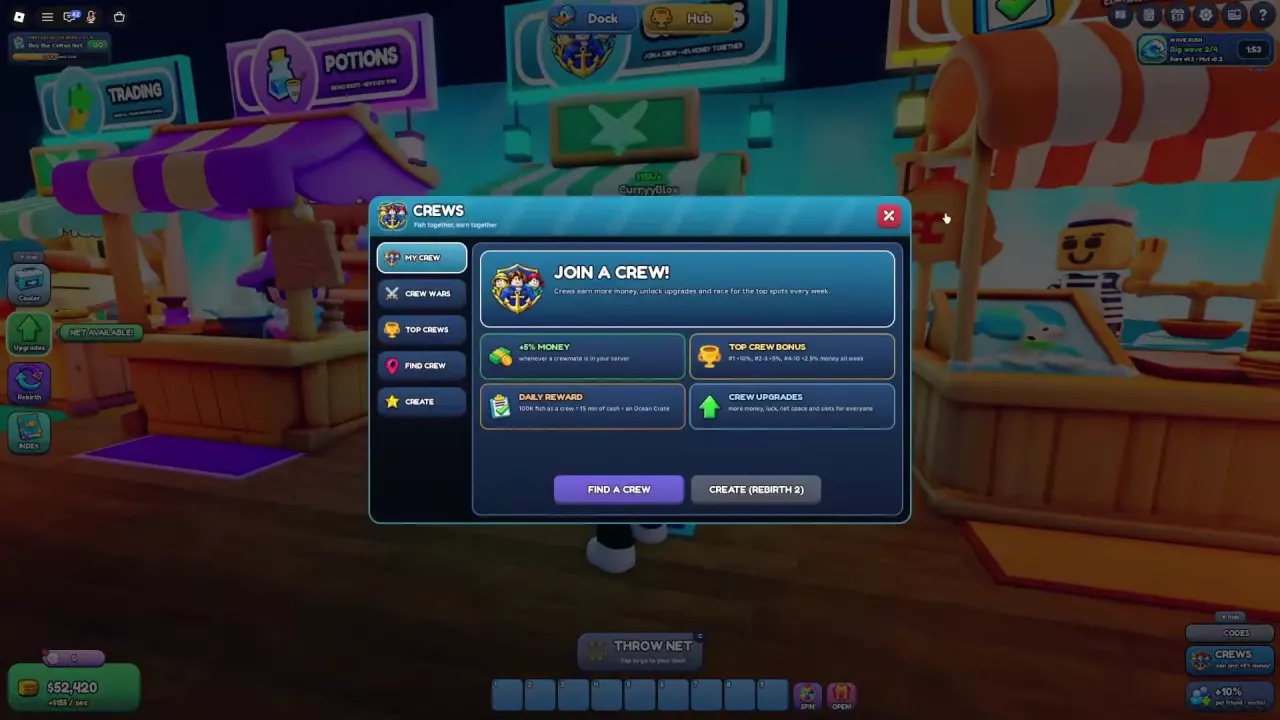
Find a Crew in Net A Fish, check the Rebirth requirement for creation, and learn about shared upgrades, daily rewards and weekly bonuses.
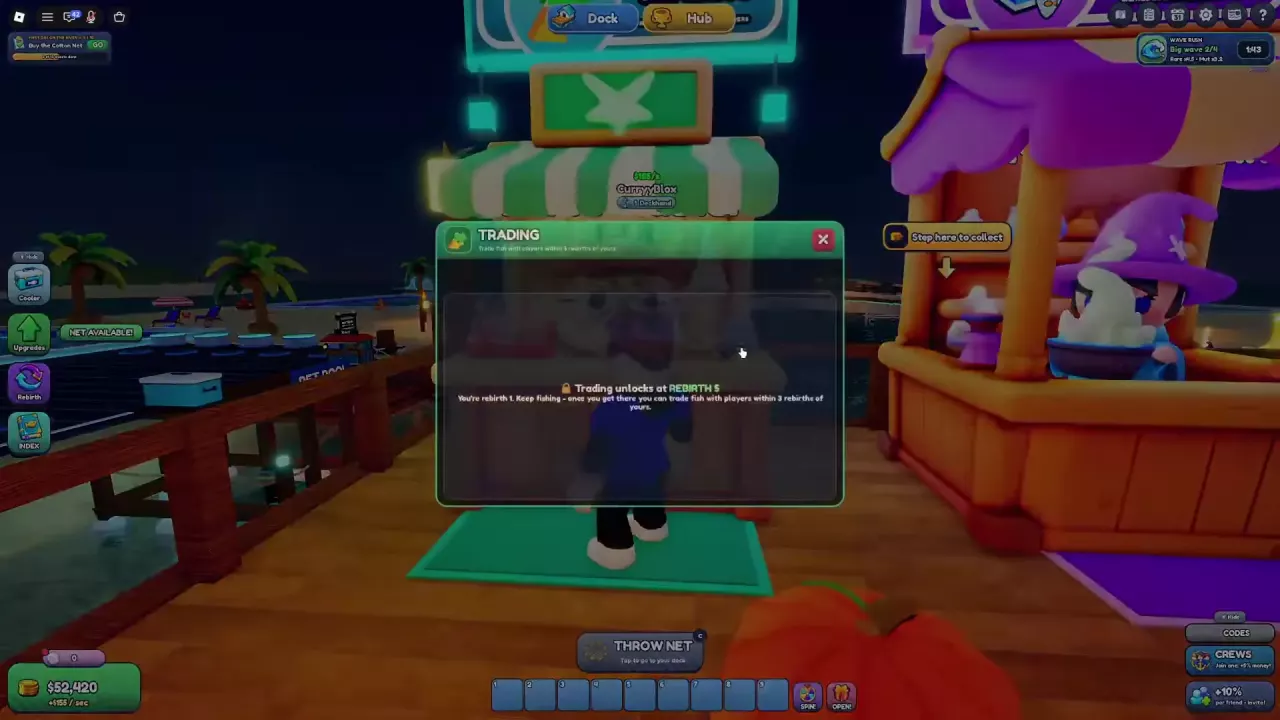
Find Trading in the Hub, check the Rebirth 5 unlock and three-Rebirth partner limit, and compare fish for showcase income or your collection.
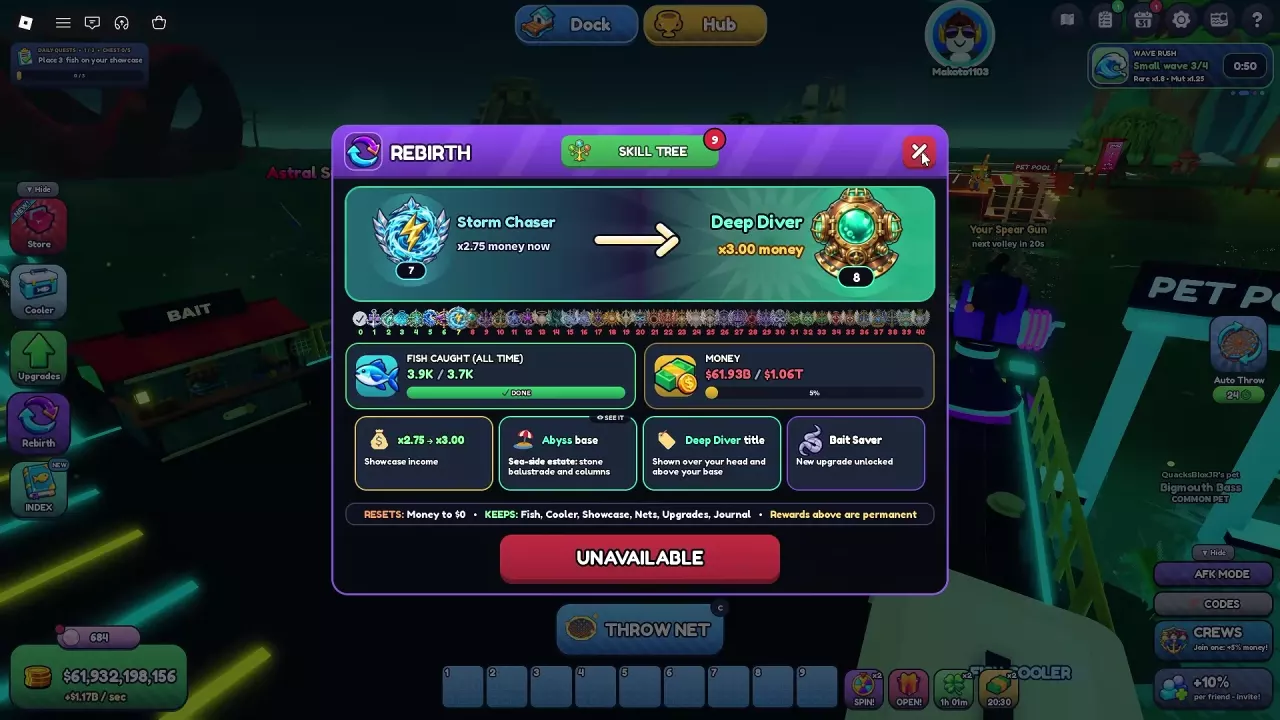
Find Net A Fish Rebirth requirements, permanent rewards and unlocks. Learn what resets, what you keep, and how to prepare your cash before confirming.
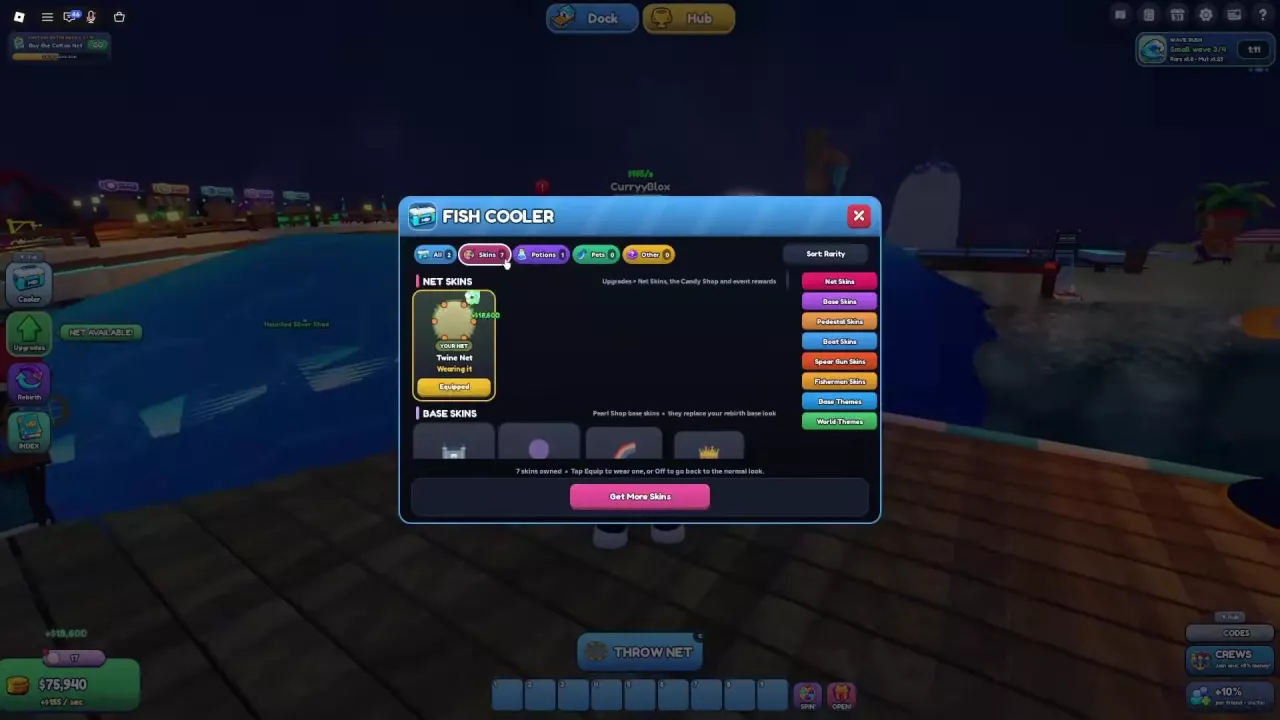
Learn how to equip Net A Fish skins, compare Marble, Blazing and Cloudy bundle bonuses, and find the 5,000-Pearl Moonpearl Net offer.